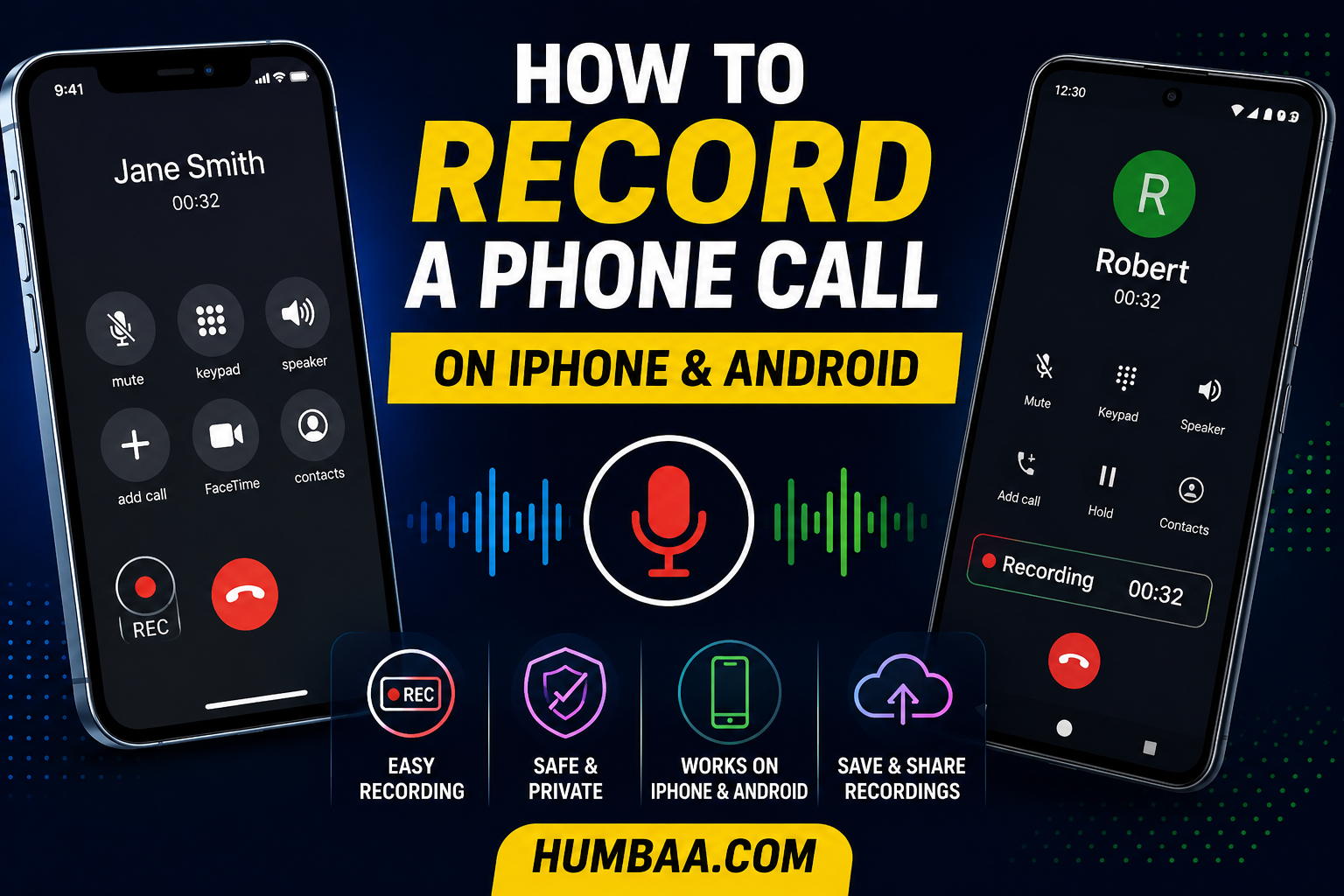
You're on the phone with a contractor who just quoted you a number, spelled out a warranty, and named three dates. You grab a pen. You miss half of it. And now you're stuck asking them to repeat everything — exactly the situation you were hoping to avoid.
Figuring out how to record a phone call used to mean digging through sketchy apps and hoping one of them captured both sides. That's changed. In the last two years, both Apple and Google built recording directly into the dialer, so for most people the tool you need is already on your phone. But recording a call isn't just a technical question — it's a legal one, and the answer depends on which states or countries are on the line. We'll cover both, starting with the how and ending with the part you genuinely can't skip.
Recording a Call on iPhone with iOS 18
If your iPhone runs iOS 18.1 or later, call recording is built directly into the Phone app, and it works on every iPhone new enough to run that software — including older models like the iPhone 12 mini. There's nothing to download and nothing to buy. Apple announced the feature at WWDC 2024 and shipped it in the 18.1 update.
Here's what makes Apple's version distinctive: you can't record silently. The moment you start, everyone hears about it. Tap record, and a three-second countdown appears, followed by a spoken announcement to the whole call that recording has begun. There's no hidden mode and no setting to disable the announcement. Apple made that choice deliberately, and it happens to keep you on the right side of the law in the strictest states.
How to record a call on iPhone:
- Start or answer a phone call in the Phone app (this works on regular cellular calls, not FaceTime).
- Tap the wavy audio-wave icon in the top-left corner of the call screen.
- Wait through the three-second countdown, which gives you a moment to cancel if you tapped by mistake.
- Let the spoken announcement play so both sides know recording has started.
- Tap the icon again to stop, or just end the call.
When you're done, the recording lands in the Notes app as a new note, along with a transcript you can search and skim. On supported iPhones, that transcription runs on-device using Apple Intelligence, so the audio and text stay on your phone rather than getting shipped to a server. A couple of limits worth knowing: it's cellular calls only, the announcement is mandatory, and older iPhones that can't run Apple Intelligence get the recording but not the automatic transcript.
Tip: Test it on yourself first. Before you record something that matters, call a friend or your own voicemail and run through the steps once. You'll hear exactly what the other person hears when the announcement plays, and you'll know precisely where the recording shows up afterward. Fumbling with a new feature during a call you actually need is the fastest way to lose it.
Recording a Call on Android
Android is messier, and it's worth understanding why. For years, third-party call recorders worked fine. Then in 2022, Google closed the door: apps on the Play Store can no longer tap into the actual call audio. Most recorder apps you'll find today can capture your own microphone but not reliably capture the person you're talking to — which defeats the purpose for a two-way conversation.
The good news is that built-in recording has been filling the gap. If you have a Pixel 6 or newer running Android 14 or later, Google's Phone app can record calls with a button right on the in-call screen, and like Apple's version, it plays an audible notice to both parties. Google has been expanding this steadily, recently pushing basic recording to more regions worldwide. Many Samsung Galaxy, Xiaomi, OnePlus, and Huawei phones also include native recording in their own dialer.
The big asterisk is region. Call recording is region-dependent by design. Google's feature only appears in supported countries, and Samsung deliberately turns it off in Spain and much of Western Europe for legal reasons. So the honest answer to "why doesn't my Android have this?" is usually that you're in a country where the manufacturer chose not to enable it, not that your phone is broken.
How to record a call with Google's Phone app:
- Confirm your phone qualifies: a Pixel 6 or newer (or another phone using Google's dialer) on Android 14+, in a supported region, with the Phone app updated.
- Start or answer a call.
- Tap the Record button on the in-call screen.
- Let the audible announcement play so everyone knows recording is on.
- Tap Stop recording when you're finished; the recording saves in your call history and Recents.
If your phone genuinely has no built-in option and no manufacturer recorder, you have two fallbacks, and neither is elegant.
Google Voice, and the Low-Tech Method That Always Works
Two more options are worth knowing, because they fill the gaps the built-in tools leave.
Google Voice can record calls on its free plan, but with a real limitation: it only records incoming calls, and you have to turn on the setting first, then press 4 on your keypad during the call to start recording. When you do, Google Voice announces to both parties that recording has begun. Outbound and automatic recording are locked behind the Premier plan at roughly $30 per user per month. So free Google Voice is genuinely useful, but only when the other person calls you.
Then there's the speakerphone plus a second device method, which sounds primitive but works on any phone, in any country, on any operating system. Put the call on speaker, open a voice-memo or recording app on a second phone, tablet, or laptop, and hit record on that device. The quality won't win awards, and you'll want a quiet room, but it sidesteps every software restriction. Just remember that the legal rules still apply, so tell the other person you're recording.
Legal tip: Say it out loud, every time. Whatever method you use, the safest habit is to start every recorded call the same way: "I'd like to record this call so I have accurate notes. Is that okay with you?" If they say yes and keep talking, you have clear consent. It costs three seconds and it protects you no matter which state or country the other person is in. When your tool announces recording automatically, even better — let it.
For work calls specifically, an audio file is often the wrong finished product. If you're recording a client call or a sales conversation, what you really want afterward is the decisions, the numbers, and the next steps — not a 40-minute clip you have to re-listen to. That's the gap that AI meeting-notes tools fill: they record with consent, transcribe across dozens of languages, and summarize the call into notes and action items automatically, so you walk away with a usable follow-up instead of homework. It's a different job than casual personal recording, but for anything business-related, the difference between "an audio file" and "a summary with action items" is the whole point — you can browse options for tools like this in Humbaa's AI tools directory.
The Legal Part You Can't Skip
This is the section that actually matters, so read it before you record anything. Whether recording a call is legal comes down to consent, and the rules split into two camps.
One-party consent means only one person on the call needs to know it's being recorded, and that person can be you. US federal law works this way under the Wiretap Act (18 U.S.C. § 2511), and so do 38 states plus Washington, D.C. In those places, because you're a participant, you can generally record your own call.
All-party consent, often called two-party consent, means everyone on the call has to know and agree. Despite the "two-party" nickname, if five people are on the line, all five must consent. As of 2026, the states in this camp are commonly listed as:
All-party (two-party) consent states:
- California
- Connecticut
- Delaware
- Florida
- Illinois
- Maryland
- Massachusetts
- Montana
- New Hampshire
- Oregon
- Pennsylvania
- Washington
Michigan is often treated as all-party too, because its courts have read the statute in conflicting ways. When in doubt, assume all-party.
Here's the trap that catches people: if you're in a one-party state and the person you're calling is in an all-party state, the stricter rule can apply. There's no single national standard that decides which law wins when a call crosses state lines, so the safe move is to comply with the strictest jurisdiction involved. The same logic goes international. Canada allows one-party consent under its Criminal Code, but its privacy law (PIPEDA) still expects you to inform people. And under the EU's GDPR, implied consent generally isn't enough — you're expected to get explicit consent after explaining why, with fines that can reach tens of millions of euros for businesses that get it wrong.
The penalties aren't trivial. Violating the federal Wiretap Act can be a felony carrying up to five years in prison, plus civil damages. Recording without required consent can also make the recording useless as evidence, which defeats the reason many people record in the first place.
So the rule of thumb is simple: always get consent, always use the announcement, and when you're not sure, ask. And to be clear, this article is general information, not legal advice. The laws change and they turn on specific facts, so if a recording really matters, check the current rules where you and the other party actually are, or talk to a lawyer.
The Bottom Line
The most interesting shift here isn't that recording got easier. It's that the tech companies quietly made the legal decision for you. By baking in a mandatory spoken announcement, Apple and Google took the single riskiest part of recording a call — doing it secretly — off the table by default. That's a small design choice with big consequences: the phone now nudges everyone toward the version of recording that's actually legal in the most places. Which means the smartest thing you can do is stop trying to defeat that announcement and start treating it as free legal cover.
Frequently Asked Questions
Can you record a phone call on an iPhone?
Yes. On iOS 18.1 and later, the Phone app has built-in call recording on every iPhone that can run that software. During a live call, you tap the wavy audio icon in the top-left corner, a three-second countdown runs, then a spoken voice tells everyone the call is being recorded. The recording and its transcript save to the Notes app, and on supported models the transcription happens on-device.
Does the other person get told the call is being recorded?
On iPhone, yes, and you cannot turn it off. When you start recording in the Phone app, an audible announcement plays to everyone on the line. Google's built-in recording on Android and Pixel phones plays a similar audible notice. That announcement is a feature, not a bug, because many places legally require every party to know a call is being recorded.
Why can't I find call recording on my Android phone?
Built-in call recording is region-dependent. Google's Phone app offers it on Pixel 6 and newer running Android 14 and up, but only in supported countries, and Samsung disables it in Spain and much of Western Europe. Since 2022, Google has also blocked third-party apps from capturing the other side of a call through the Play Store, so many recorder apps now only capture your own voice.
Is it legal to record a phone call?
It depends on where you and the other party are. US federal law and 38 states plus Washington, D.C. use one-party consent, meaning one person on the call can record it. But 11 to 12 states, including California, Florida, Illinois, and Washington, require all-party consent. Violations can carry felony penalties. This article is general information, not legal advice, so check the laws where everyone on the call is located.
Which US states require all-party consent to record a call?
As of 2026, the all-party (two-party) consent states are commonly listed as California, Connecticut, Delaware, Florida, Illinois, Maryland, Massachusetts, Montana, New Hampshire, Oregon, Pennsylvania, and Washington. Michigan is often treated as all-party too because of conflicting court interpretations. In these states, everyone on the call must consent, so a spoken recording announcement is the safest way to comply.
If you're evaluating AI note-taking or call transcription tools for work calls, browse Humbaa's AI tools directory for options built specifically for meetings and sales conversations. If you've built a tool in this space, you can submit it to Humbaa to reach people actively looking for it.