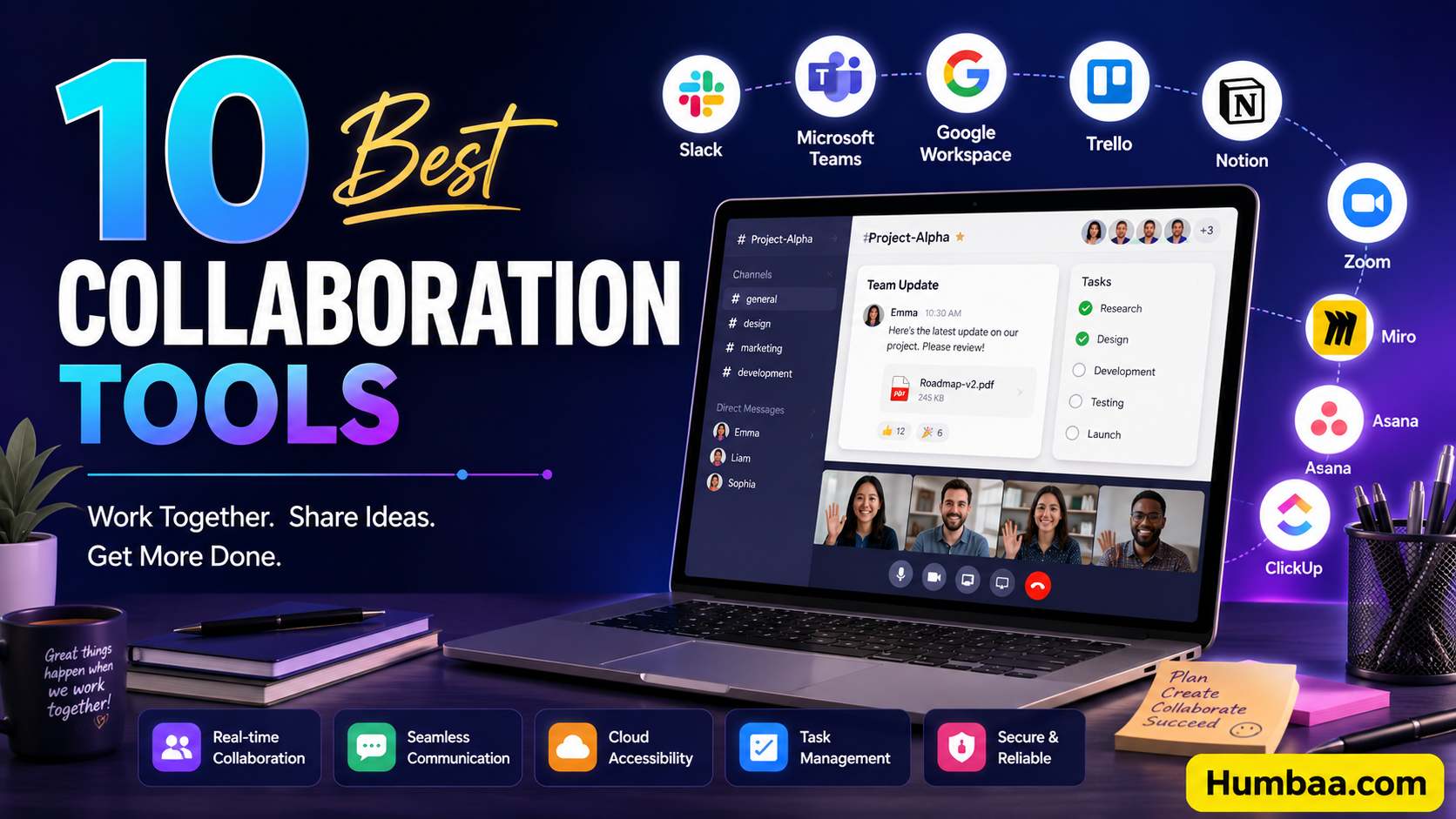
Disconnected tools are one of the fastest ways to slow a team down — version control issues, siloed conversations, and unclear ownership all creep in when chat, files, and tasks live in separate apps. The best collaboration platforms solve this by unifying communication and workflow in one place, so teams stay aligned instead of chasing updates across five different tabs. Here's a look at the leading collaboration tools in 2026, grouped by what they're actually built for.
All-in-One Work Platforms
monday.com remains one of the most popular collaboration and task management tools thanks to its simple, highly customizable interface. Its standout feature is connecting strategic goals directly to projects and tasks, which keeps teams aligned on the "why" behind the work, not just the task list. A dedicated Teamwork Hub lets team members track dependencies and resolve blockers in real time, and guest access makes it easy to loop in clients or contractors.
ClickUp puts a lot of thought into day-to-day collaboration — in-app video recording, collaborative docs, whiteboards, comments, and mentions are all built in. Its task management is deep, with checklists, subtasks, multiple views (list, calendar, Gantt, Kanban), and real-time activity monitoring that shows who's online and what they're working on.
Wrike is highly configurable and suits teams of all sizes, particularly marketing and creative teams that need a centralized hub for assets, feedback, and schedules. Dynamic request forms automatically route tasks to the right people, and visual proofing tools let teams leave feedback directly on images, videos, and documents.
Client & Stakeholder Collaboration
Celoxis stands out for giving clients a real seat at the table without full platform access — a free, customizable client portal lets clients view progress, join discussions, and review files separately from your internal workspace. Version-controlled file sharing and @mentions keep client feedback tied directly to tasks instead of scattered across email threads.
Screendragon is built for marketing, agency, and professional services teams that need structured intake and review cycles. Its "smart briefs" use logic and automation to guide what information a new project request needs, and custom proofing and revision workflows keep feedback consolidated with a full audit trail.
Knowledge Management & Documentation
Axero is a knowledge-sharing platform for building internal or external content hubs — wikis, blog posts, forums, surveys, and broadcasts all live in one flexible space, with commenting and live chat to keep collaboration centralized.
Document360 is an AI-powered knowledge base with a built-in AI assistant that can turn prompts, transcripts, or videos into structured articles, FAQs, and tags. A private share feature lets you get feedback on draft articles from reviewers without giving them full access to your knowledge base.
Security-First & Enterprise Platforms
Smartsheet is built with enterprise-grade security in mind, offering granular access controls so only approved collaborators see specific information, plus request forms and approval workflows that route data to the right people at the right time.
Quickbase takes a no-code approach to collaboration, letting teams build custom applications tailored to their workflows without deep technical skills — useful for organizations that need bespoke tools rather than a one-size-fits-all platform.
Collaborative Inboxes
Missive combines email, chat, and task management into one shared space, with internal threads and collaborative drafting so teams can write and review emails together in real time. Tasks can be created directly from conversations, so nothing gets lost between your inbox and your task list.
Choosing the Right Tool for You
- Want one platform that connects goals, projects, and tasks? monday.com or ClickUp cover the most ground.
- Working closely with external clients? Celoxis and Screendragon are both built around structured client collaboration.
- Need a centralized knowledge base? Axero and Document360 are purpose-built for that.
- Security and compliance are non-negotiable? Smartsheet's granular access controls are a strong fit.
- Your team lives in email? Missive turns a shared inbox into a real collaboration hub.
New collaboration features — AI meeting summaries, async video, smarter workflow automation — are landing across these platforms constantly. Browse Humbaa's AI tools directory for more productivity and collaboration tools, or submit your own tool if you've built something in this space.