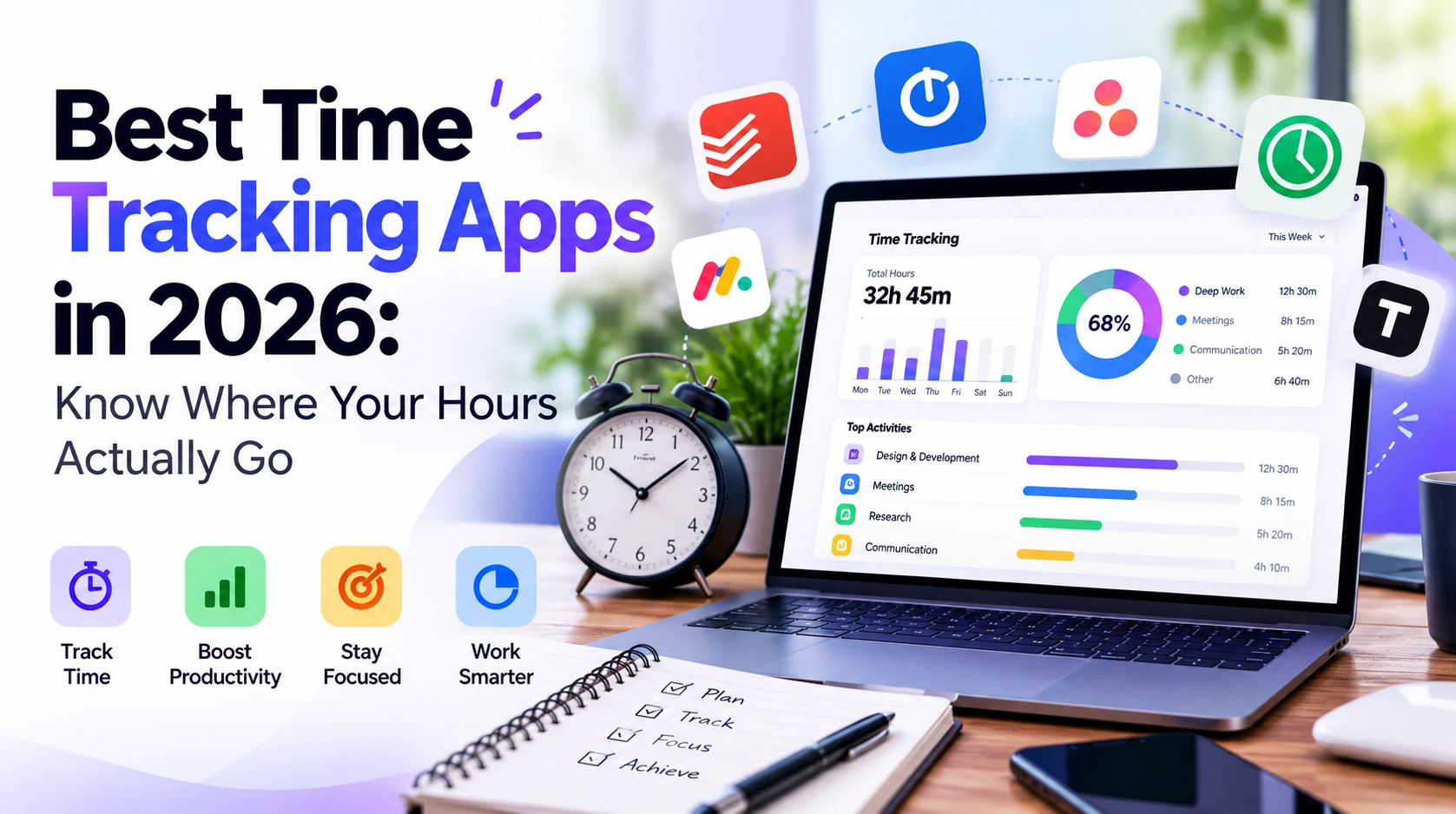
Time is your most finite resource. Time tracking apps help you bill clients accurately, understand where your hours go, and make smarter decisions about your workday. Here are the best options in 2026.
1. Toggl Track — Best for Freelancers
Toggl Track is the most popular time tracker for good reason: it's simple, fast, and the free plan is genuinely useful. One click starts a timer. You tag entries with projects and clients. Reports show where your time went. The browser extension tracks time in any web app. For freelancers and consultants who need to track billable hours, Toggl Track is the standard.
Best for: Freelancers, consultants, agencies
Pricing: Free (unlimited tracking), Starter $9/user/month, Premium $18/user/month
2. Clockify — Best Free Option for Teams
Clockify offers unlimited time tracking for unlimited users — completely free. Teams can track projects, see who's working on what, and generate reports. The paid tiers add advanced features like scheduling, GPS tracking, and invoicing, but the free plan covers the core use case fully. No other time tracker matches this value.
Best for: Teams on a budget, small businesses
Pricing: Free (unlimited users), Standard $5.49/user/month, Pro $7.99/user/month
3. Homebase — Best for Scheduling and Hourly Teams
Homebase combines time tracking, scheduling, and payroll in one app built for small businesses and hourly teams. Team members clock in and out from any device, and the app automatically flags overtime and missed breaks. Managers can build and share schedules in minutes, and the team gets shifts on their phones instantly. Built-in payroll runs straight from timesheets, so there's no double entry. For hourly teams that need scheduling and time tracking together, Homebase is a strong fit.
Best for: Small businesses, hourly teams, restaurants and retail
Pricing: Free for single locations, paid plans available, payroll add-on $39/month + $6/employee
4. Harvest — Best for Billing & Invoicing
Harvest combines time tracking with invoicing in one tool. You track time against projects and clients, then convert those hours directly into an invoice and send it. It integrates with Stripe and PayPal for payment collection. If time tracking and billing are tightly connected in your workflow, Harvest eliminates the need for a separate invoicing tool.
Best for: Freelancers and agencies who invoice by the hour
Pricing: Free (1 seat, 2 projects), Pro $10.80/seat/month
5. RescueTime — Best for Automatic Tracking
RescueTime runs in the background and automatically tracks what apps and websites you use — no manual timers. It categorizes activities (productive vs. distracting) and sends weekly reports. You can't start and stop timers for billing purposes, but it's unmatched for understanding your actual productivity patterns without any extra effort.
Best for: Personal productivity awareness, knowledge workers
Pricing: Free (basic), Premium $12/month
6. Timely — Best AI-Powered Time Tracking
Timely uses AI to automatically log your time based on your computer activity — meetings, documents, websites, apps — then shows you a draft timeline that you review and confirm. It dramatically reduces the admin of time tracking while keeping logs accurate. Premium pricing, but saves hours of manual entry each week.
Best for: Professionals who hate manual time entry
Pricing: Starter $9/user/month, Premium $16/user/month, Unlimited $22/user/month
7. Jira / Linear Time Tracking — Best for Dev Teams
Development teams using Jira or Linear don't always need a separate time tracking tool. Jira has built-in time logging on issues, and tools like Everhour integrate directly into Jira and Linear to add time tracking without leaving your project management tool.
Best for: Software development teams
Pricing: Varies by tool
Which App for Which Situation
| Situation | Best App |
|---|
| Freelance billing | Toggl Track or Harvest |
| Free team tracking | Clockify |
| Scheduling + hourly teams | Homebase |
| Automatic tracking | RescueTime or Timely |
| Time + invoicing combined | Harvest |
| Productivity awareness | RescueTime |
The Bottom Line
Toggl Track free is the best starting point for most people. Teams should try Clockify — free for unlimited users is a genuinely remarkable deal — while hourly teams that also need scheduling and payroll should look at Homebase. If you hate manual entry, Timely's AI approach changes everything. And if billing and invoicing are tied together, Harvest is worth the price.
For more productivity tools, explore the Humbaa AI tools directory and our guide to AI productivity tools.