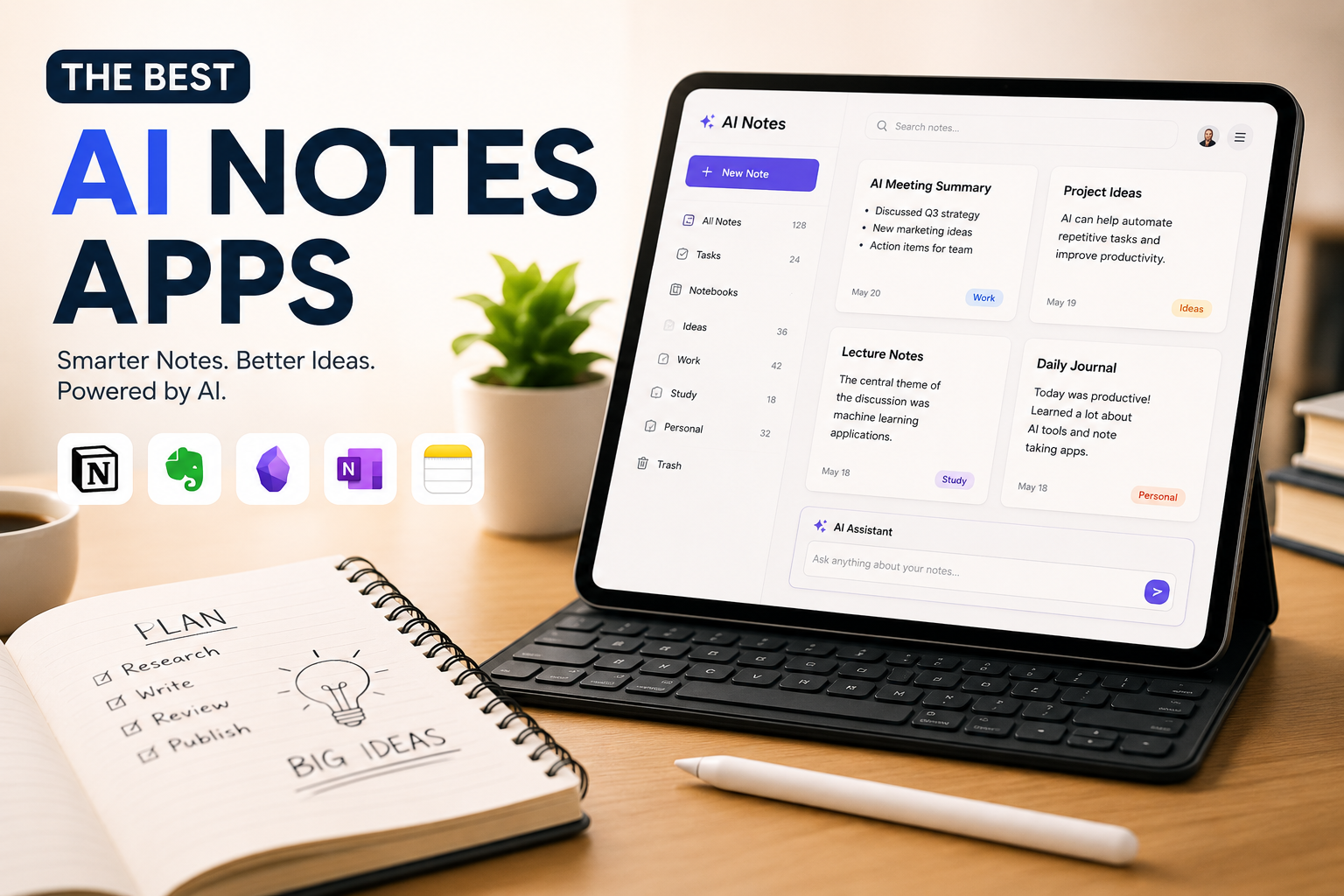
Note-taking has moved through a few eras — paper notebooks, then digital notes synced across devices, and now AI-assisted notes that don't just store your thoughts but help you shape, search, and act on them. The trick is finding a tool that speeds up capturing ideas without taking the thinking out of the process. Here are the four AI notes apps worth using in 2026, each built around a different strength.
What Makes a Great AI Notes App
A good notes app needs to make capturing a fleeting thought fast, and make finding it again later just as easy. AI adds real value on top of that baseline when it can generate content, suggest connections between notes, and help clean up messy, half-formed writing — not just offer a single "make this shorter" button.
The criteria that matter most:
- AI feature set — text generation, summarization, and semantic linking between notes, not a single gimmick feature.
- Note creation speed — you should be typing or dictating within a couple of taps, no slower than a plain notes app.
- Organization — as your note library grows, search and structure need to keep up.
- Cross-device availability — capture should work wherever you are, not just at your desk.
- Security and privacy — your notes are yours; nobody else should be able to read them, including a hacked account.
Mem — Best for Building a Second Brain
Mem is built around the idea that you shouldn't have to manually organize your notes. It sorts notes into Collections based on hashtags, and you can ask Mem Agent — a chatbot grounded entirely in your own notes — to organize things further or surface related notes on request.
The standout feature is a proactive AI agent (available as a paid add-on) that notices commitments and deadlines mentioned across your notes and chat messages, then nudges you to follow through — especially useful if you also use Mem for meeting notes. A "Push-to-Remember" shortcut lets you dictate a thought without ever opening the app.
Best for: people who want an AI-powered knowledge base they can chat with instead of search. Pricing: Free plan available; paid plans from $12/month.
Evernote — Best for Editing with AI
Evernote built its reputation on fast, flexible note creation, and its AI editing tools are a clean addition rather than a bolt-on. Select any text, open the AI Edit dropdown, and choose Fix Typos, Summarize, or Write As to reshape a rough note into something publishable.
Its AI-powered search goes beyond text — it reads into PDFs, photos, and even handwritten notes to generate answers, with source links so you can verify the AI isn't making things up. Evernote is currently under significant restructuring following its acquisition by Bending Spoons, which could be read as a risk or a sign of renewed investment depending on your perspective.
Best for: anyone who wants dependable AI editing without an overwhelming menu of options. Pricing: Free plan available; paid plans from $14.99/month.
Reflect — Best for Voice-to-Text Notes
Reflect is built for people who'd rather talk than type. Speak your thoughts, and Reflect transcribes them accurately alongside the saved audio — then lets you use AI editing to shorten, rephrase, or restructure the transcript afterward, so you can ramble freely and clean it up later.
Custom prompts let you apply a consistent structure to recurring types of voice notes — talk through a blog post or a bulleted list, then run it through your saved prompt to format it. Reflect is also the most privacy-focused option here, requiring a passphrase to encrypt your entire account — powerful, but unrecoverable if you lose it, so keep it in a password manager.
Best for: people who think out loud and want accurate transcription with AI cleanup. Pricing: $10/month (billed annually).
Notion — Best for Building an AI Assistant
Notion goes further than a notes app — its databases, tags, and relational fields let you build a note-taking system that scales into something much bigger while staying organized. Notion AI can generate text from a prompt on any empty line, edit for tone and structure, and answer questions grounded in your own workspace data via Notion AI Q&A.
Notion Agents extend this further with pre-built AI agents you can deploy with full context from your notes — a morning brief, a meeting copilot, or a content calendar planner among them. The tradeoff is that Notion's flexibility means more setup work than a dedicated notes app.
Best for: people who want their notes system to grow into a full AI-powered workspace. Pricing: Free plan with a trial of Notion AI; paid plans with full AI access start at $24/user/month.
If Notion feels like too much structure, Craft is a lighter, doc-based alternative with generative AI features, including the ability to have the AI explain your own notes back to you.
What About Apple Notes and Microsoft OneNote?
Both were tested and left off this list. Apple Intelligence in Notes is still limited in both features and device support as of this writing. Microsoft's Copilot Notebooks in OneNote had enough bugs during testing to be hard to recommend — if you already pay for Microsoft 365 with Copilot, it's worth a look, but not a reason to switch on its own.
Which AI Notes App Should You Use?
Notes apps are personal — what feels natural to type or dictate into varies a lot from person to person. All four apps above offer a free plan or trial, so the fastest way to decide is to try two or three for a week and see which one disappears into your workflow rather than getting in the way of it.
Browse Humbaa's AI tools directory for more AI productivity tools, or submit your own tool if you've built something in this space.