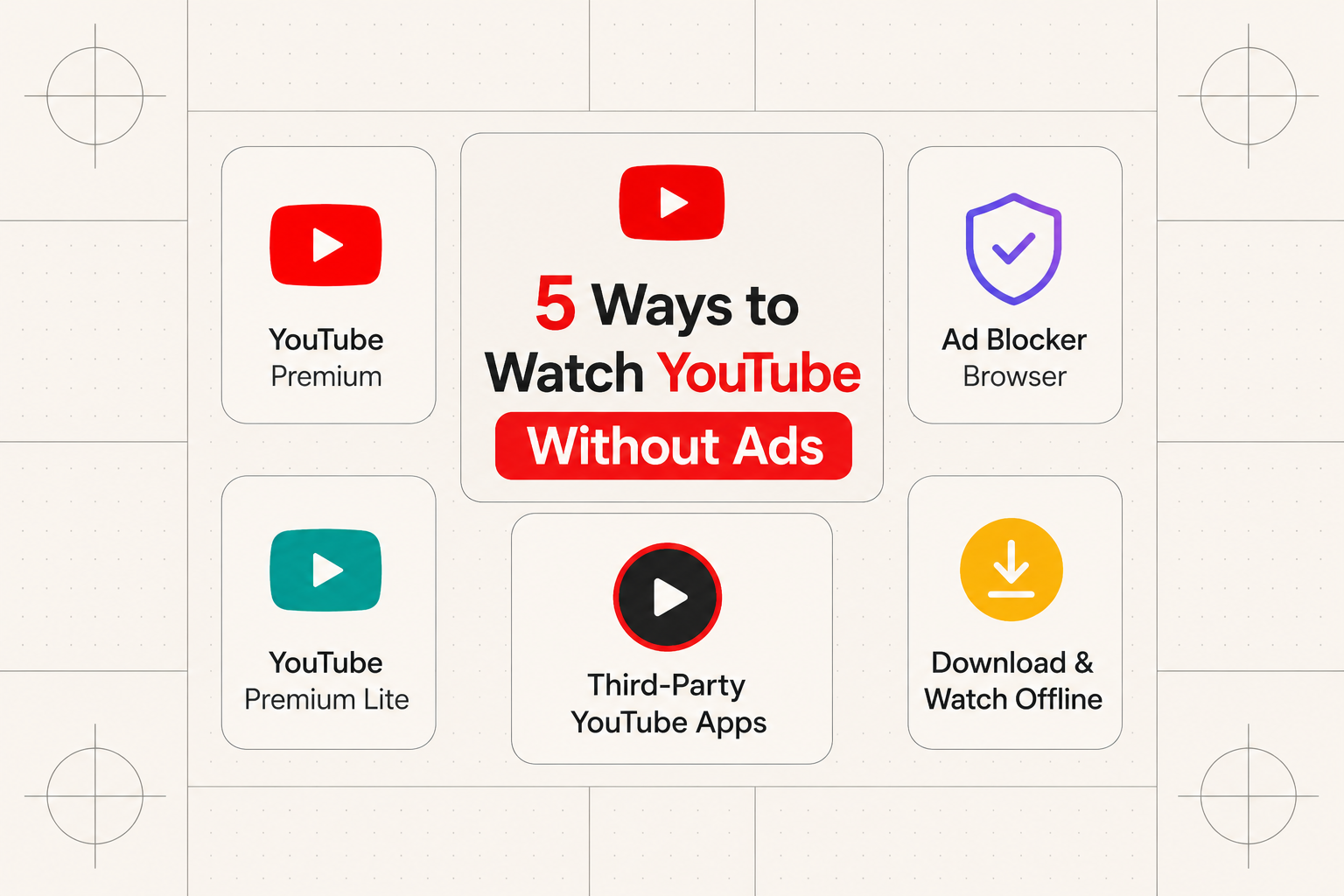
You're mid-video with your favorite creator when an unskippable 30-second car insurance ad slams the brakes on everything. If that's been happening more often lately, it's not your imagination — YouTube's ad load has gotten noticeably heavier, and its detection systems have gotten a lot better at catching people trying to dodge it.
The good news is that a handful of methods still genuinely work in 2026. Some are dead simple, some take a bit of technical comfort, and a few have real trade-offs worth knowing about before you commit. Here's what actually holds up right now — and what's quietly stopped working.
What YouTube Is Actually Throwing at You
Before picking a method, it helps to know what you're up against, since different approaches handle different ad types:
- Pre-roll ads — the ones before a video starts, some skippable after 5 seconds, some not
- Mid-roll ads — interruptions dropped into longer videos
- Banner ads — display ads around the video player itself
- Shorts ads — ads inserted between short-form clips
- Sponsored segments — creators mentioning a product mid-video, which no blocker on earth can touch since it's baked into the content itself
YouTube changes how it serves these fairly often specifically to stay ahead of blocking tools, which is why some once-reliable methods have quietly stopped working. The five below are the ones still holding up in 2026.
1. Pay for YouTube Premium — The Reliable Option
This is the straightforward answer, and it's worth getting out of the way first. YouTube Premium runs $15.99/month for an individual plan or $26.99/month for a family plan covering up to 6 people, and it removes ads completely across every device — no workarounds, no detection cat-and-mouse, no exceptions.
How to subscribe:
- Go to youtube.com/premium
- Click Try it free (usually a 1-month trial)
- Pick Individual ($15.99/month) or Family ($26.99/month)
- Enter payment details and confirm
Cancel before the trial ends if you decide it's not for you, and you won't be charged. Once you're subscribed, it applies automatically across every device tied to your Google account — plus you get YouTube Music, offline downloads, and background play on mobile as a bonus.
The honest case for Premium: it's the only 100% reliable method, it's the only way creators actually get paid while you watch ad-free, and it's the only realistic ad-free option on iPhone and iPad, since Apple's platform restrictions rule out most of the other methods below entirely.
2. The Albania VPN Trick — A Clever Browser Workaround
One of the more interesting discoveries from the past year: YouTube serves essentially zero ads to viewers connecting from Albania, likely because the ad market there is too small to bother monetizing heavily. Connect through an Albanian VPN server, and ads largely disappear.
How to do it:
- Sign up for a paid VPN service (free VPNs generally aren't reliable enough for this)
- Install the VPN app on your device
- Connect to an Albania server
- Open YouTube in an incognito or private window — this matters, since a regular browsing session can leak signals that give away the VPN
- Watch ad-free
Not every VPN provider reliably offers Albania as a server option, so it's worth testing the connection before relying on it long-term. The trade-off is straightforward: you're paying for a VPN subscription (typically $3–12/month), and there's always a chance YouTube patches the loophole eventually. In the meantime, it works, and you get the side benefit of general VPN privacy protection too.
3. Switch to Brave Browser — The Low-Effort Fix
If you're tired of the constant arms race between ad-blocker extensions and YouTube's detection updates, Brave sidesteps the problem by building ad-blocking directly into the browser itself rather than bolting it on as an extension — which makes it meaningfully harder for YouTube to detect and disable.
Setup:
- Download Brave from brave.com and install it
- Open Brave and go to youtube.com
- Click the Brave Shields icon (the lion) in the address bar
- Set Block ads and trackers to Aggressive
- Ads should now be blocked automatically
Brave works on Windows, macOS, Android, and iOS, and the mobile version supports picture-in-picture and background play — genuinely competitive with the official app. The one hard limitation: Brave on iOS cannot block YouTube ads at all, due to restrictions Apple places on the platform. For iPhone and iPad, Premium remains the only consistent option.
Worth knowing: effectiveness here isn't guaranteed to stay consistent, since YouTube has been ramping up detection efforts throughout 2026, and results can vary between users and over time.
4. Third-Party YouTube Apps — For the More Technical Crowd
If you're comfortable sideloading apps outside official app stores, a handful of third-party YouTube clients deliver a genuinely ad-free experience with some extra features baked in.
SmartTube (Android TV / Google TV) is the strongest pick if you have an Android TV or Google TV box. It looks and feels almost identical to the official app, minus the ads. To install it: enable Unknown Sources under Settings > Apps > Security & Restrictions, install the Downloader app from the Play Store, use it to grab the latest SmartTube APK from its GitHub releases page, install it, and sign in with your Google account to sync subscriptions. It also includes SponsorBlock, which automatically skips sponsored segments inside videos — a feature you don't even get with Premium.
FreeTube (Desktop) covers Windows, macOS, and Linux. It's open-source, stores everything locally for privacy, and blocks ads by default — download it from freetubeapp.io, install like any other app, and you're watching ad-free with no account required.
NewPipe and LibreTube (Android) cover phones and tablets with a similar ad-free, privacy-first approach, built without any Google code or tracking. Both are available through F-Droid or directly from their GitHub pages.
Worth flagging clearly: these apps run counter to YouTube's terms of service. Account bans for using them are rare in practice, but they're not impossible — go in with that understanding.
5. Download Videos for Offline Viewing
Sometimes the simplest fix is skipping YouTube's player entirely. Downloader tools like 4K Video Downloader or the command-line tool yt-dlp let you save a video locally and watch it later with zero interruptions — paste the URL, pick a quality, download, done.
This is a genuinely useful option for content you want to keep permanently or for anything educational you'll reference repeatedly, but it's a poor fit for casual day-to-day viewing since it's a manual, one-video-at-a-time process. It also violates YouTube's terms of service, so it's worth treating as a deliberate choice for specific content rather than a general-purpose habit.
What Used to Work but Doesn't Anymore
Two methods that were reliable a couple of years ago are effectively dead now, and it's worth knowing why so you don't waste time on them.
Browser extensions like uBlock Origin used to be the default answer, but YouTube's detection has gotten aggressive enough that many users now get outright blocked from watching when an extension is detected. Workarounds still circulate on Reddit and GitHub, but they require constant updates just to keep functioning — for most people, that's more upkeep than it's worth.
DNS-based blocking (Pi-hole and similar tools) used to work by blocking known ad-serving domains. YouTube now serves ads from the same infrastructure as regular video content, so DNS blockers can no longer distinguish between the two — they either block everything or nothing.
Common Issues and Fixes
"Ad blockers violate our Terms of Service" message — This appears when YouTube detects a traditional browser extension. Switch to Brave or the Albania VPN method instead.
The VPN method suddenly stops working — Double-check you're in incognito mode and specifically connected to an Albania server. Some other small European countries occasionally work too, but Albania has been the most consistent choice.
Third-party apps break after a YouTube update — Normal, and usually temporary. Open-source projects like FreeTube and SmartTube typically ship a fix within a day or two — check their GitHub pages or subreddits for updates.
Can't sideload apps on Android TV — Enable "Unknown Sources" in your TV's security settings, usually under Settings > Apps > Security (the exact path varies slightly by manufacturer).
Which Method Should You Actually Pick?
| Method | Best For | Pros | Cons | Cost |
|---|---|---|---|---|
| YouTube Premium | Everyone, especially iPhone users | Works everywhere, supports creators, includes YouTube Music | Ongoing monthly cost | $15.99/month |
| Albania VPN | Desktop and browser users | Reliable, adds general VPN privacy | Needs a VPN subscription, could get patched | $3–12/month |
| Brave Browser | Casual users who want simplicity | Free, easy setup, works on mobile | iOS can't block YouTube ads at all | Free |
| Third-party apps | Tech-savvy users, Android TV owners | Free, extra features like SponsorBlock | Requires sideloading, occasional breakage | Free |
| Video downloading | Offline viewing, archiving | No internet needed after download, permanent | Manual, one video at a time, against ToS | Free–$40 |
If you want the simplest, most dependable option and don't mind paying for it, YouTube Premium is still the clearest answer — especially if you're on iPhone, where it's essentially your only real option. If you're on desktop and don't mind a bit of setup, the Albania VPN trick and Brave are both strong free-adjacent choices. Android TV owners get the best deal of the bunch with SmartTube, since it replicates Premium-level ad blocking (plus sponsor-segment skipping) at no cost.
The back-and-forth between YouTube and ad-blocking methods isn't going away — but the five options above have held up well through 2026, and each fits a different level of technical comfort and budget. Pick the one that matches yours.
If you're building or comparing tools in the ad-blocking, privacy, or media space, Humbaa's AI tools directory is worth a look for related software, and if you've built something in this space yourself, you can submit it to Humbaa to get it in front of people actively searching for it.