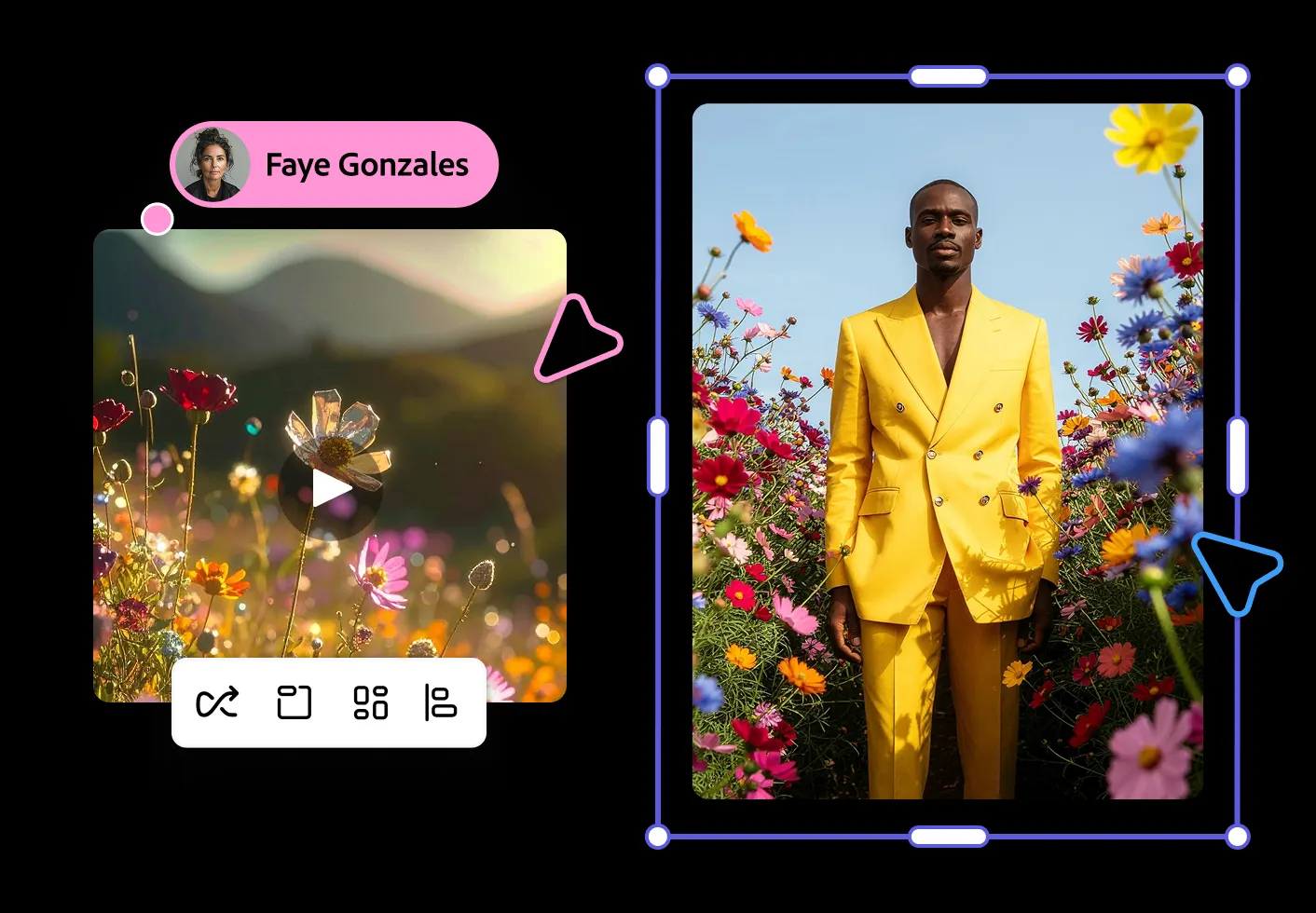
The landscape of digital design is undergoing a massive transformation. For years, the Adobe Creative Cloud has been the industry standard for professionals, but the learning curve has often been steep. Now, with the introduction of AI-driven capabilities, the barrier to entry is shrinking fast.
At the forefront of this shift is Adobe Firefly generative AI — a suite of creative generative AI models designed to seamlessly integrate into workflows, allowing creators, developers, and marketers to bring their ideas to life faster than ever before.
What Is Adobe Firefly Generative AI?
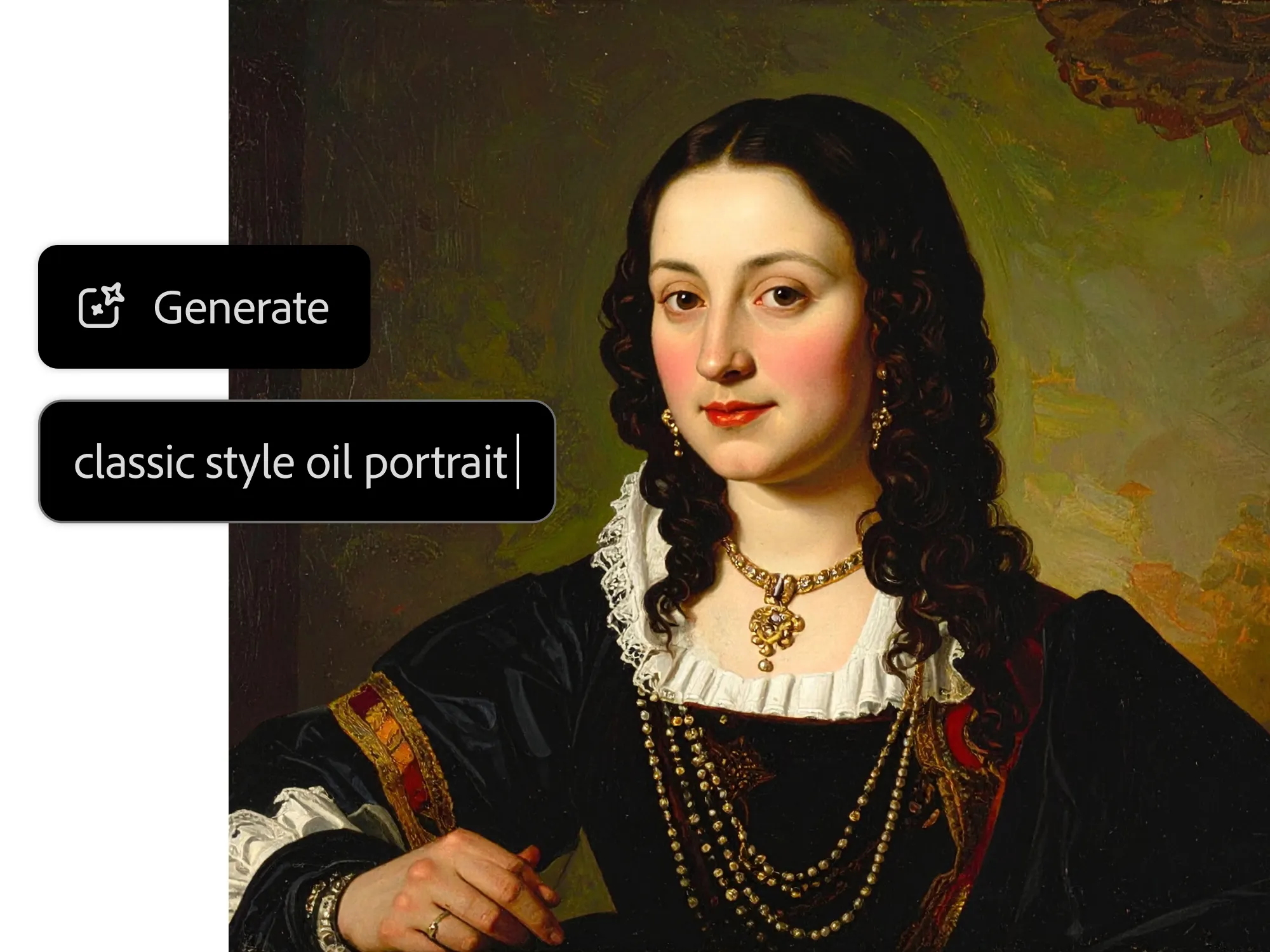
Unlike standalone AI image generators, Adobe Firefly generative AI is built directly into the Adobe ecosystem — including Photoshop, Illustrator, and Adobe Express. It empowers users to generate high-quality images, apply complex text effects, and recolor vector artwork using simple text prompts.
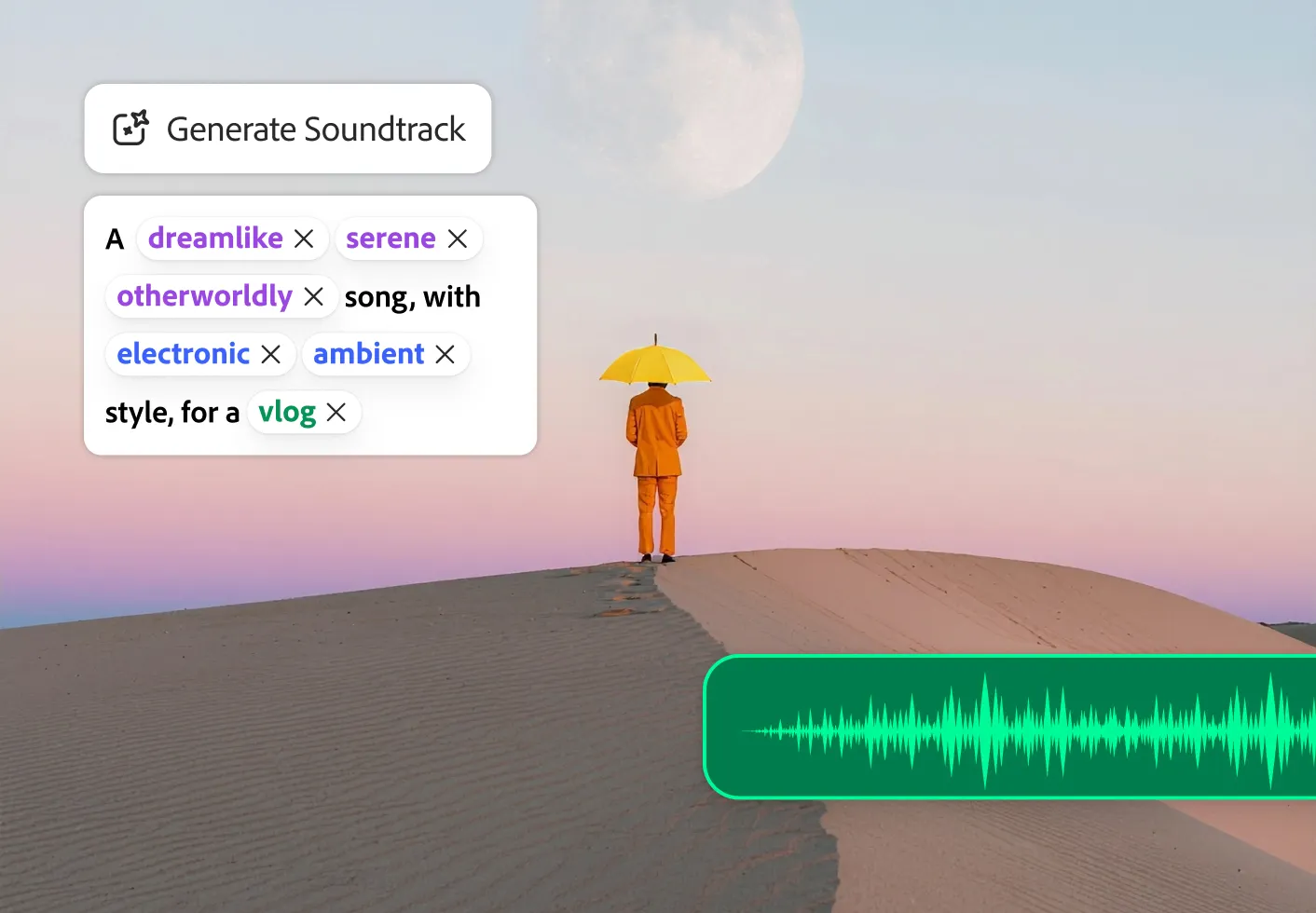
What makes Firefly stand out among AI design tools is its ethical foundation. Adobe trained its models on Adobe Stock images, openly licensed content, and public domain material — meaning the generated assets are safe for commercial use. That is a crucial factor for anyone monetizing their digital platforms or software.
| Feature | Adobe Firefly | Generic AI Image Generators |
|---|---|---|
| Commercial safety | Yes — trained on licensed content | Often unclear or restricted |
| Creative Cloud integration | Native | None |
| Vector generation | Yes (Illustrator) | Raster only |
| Text effects | Yes | Limited |
| Context-aware edits | Yes (Generative Fill) | No |
Streamlining App Branding and Automated Logo Creation
Establishing a strong visual identity is critical when launching a new project. Designing a memorable app icon or brand logo traditionally required hours of sketching and vector manipulation. With automated logo creation powered by Firefly, that process is drastically accelerated.
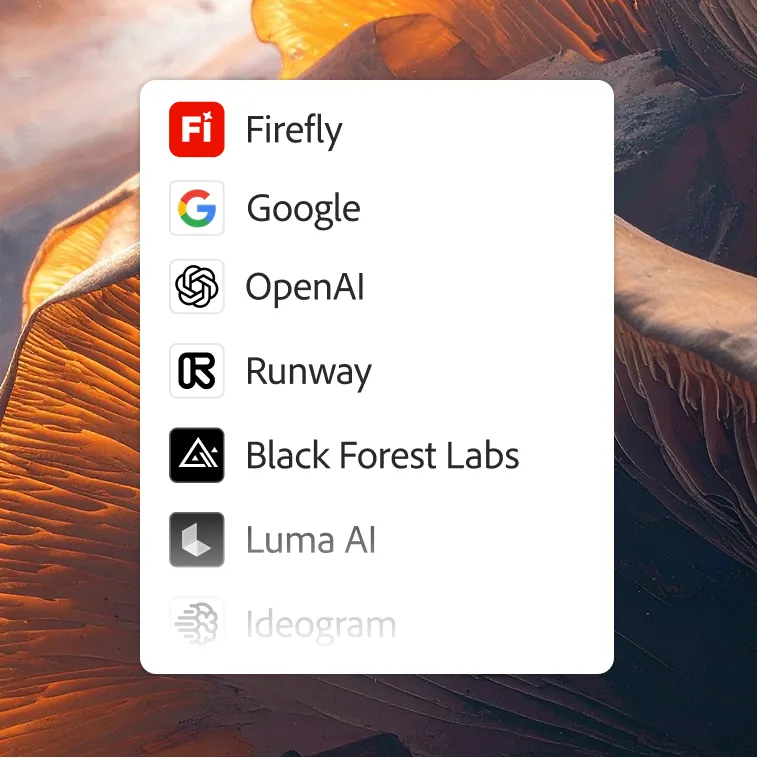
You can now use text-to-image prompts to generate dozens of conceptual app logos in seconds. By describing the exact vibe — whether it is a sleek, modern aesthetic for a utility tool, or something requiring a touch of nature and a cartoon style — Adobe Illustrator's Generative Recolor and Firefly's vector generation allow you to iterate instantly.
This means you can finalize the branding for an Android application and get it ready for release with unprecedented speed. What once took a senior designer two to three days now takes an afternoon of prompt refinement.
Key Firefly features for branding:
- Text-to-vector — generate SVG-compatible artwork from a description
- Generative Recolor — instantly explore dozens of color palettes on your existing vectors
- Font pairing suggestions — AI-recommended typography to match your generated mark
Crafting Engaging AI Social Media Posters
Content is king, but producing daily visual content can lead to creative burnout. Whether you are creating promotional material or sharing a text-heavy AI social media poster, Adobe Express powered by Firefly makes it effortless.
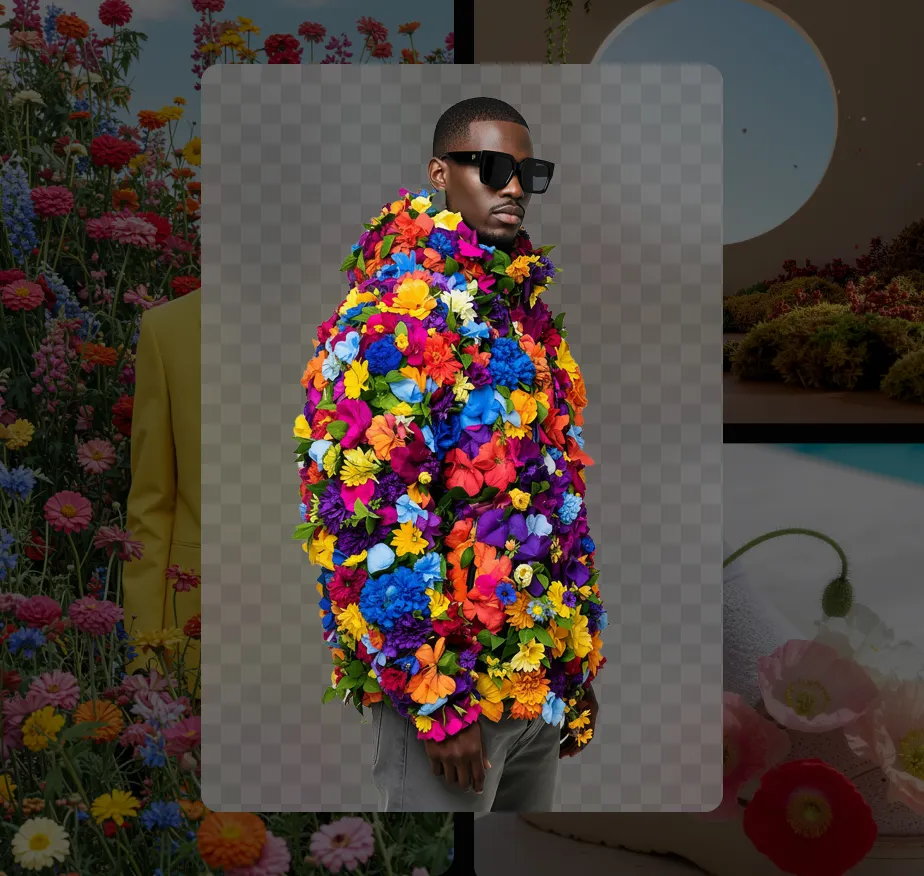
You can generate soothing, custom backgrounds tailored to specific moods and seamlessly overlay your typography. The AI handles the heavy lifting of layout and color matching, ensuring text remains legible and striking against the generated imagery. This is particularly useful for creators who need to quickly produce high-quality graphics to share quotes, updates, or announcements in crowded social feeds.
Adobe Express also includes a powerful QR code generator that lets you style QR codes to match your brand — something that would have required a separate tool and a designer just a year ago. Combine a Firefly-generated background with a branded QR code and you have a complete campaign asset in under five minutes.
Social formats supported:
- Instagram Stories, Reels, and feed posts
- TikTok vertical video covers
- Facebook and LinkedIn banners
- YouTube thumbnails (1280×720)
- Pinterest Pins (2:3)
Enhancing Cinematic Visuals and Video
Adobe's AI ambitions do not stop at static images. The integration of Adobe Creative Cloud AI into Premiere Pro and After Effects is changing how video content is produced.
For creators working on cinematic video scenes, AI tools assist in everything from generating storyboards and concept art to advanced color grading and object removal. These features allow creators to focus more on narrative — like perfecting the emotional delivery of a dialogue sequence — rather than getting bogged down in tedious frame-by-frame editing tasks.
Notable video AI features in 2026:
- Generative Extend in Premiere Pro — extend a clip's duration using AI-generated frames
- Object Remove — erase unwanted elements from video with a single selection
- AI color match — apply a cinematic grade from a reference image across your timeline
The Future of Creation with Adobe Firefly
Adobe Firefly generative AI is more than a novelty — it is a fundamental shift in the creative process. By automating the repetitive aspects of design, it frees up mental bandwidth for true innovation.

For developers, designers, and digital entrepreneurs, mastering these AI design tools is no longer optional — it is a competitive necessity. Whether you are shipping an app, running a brand, or producing content at scale, Firefly inside the Adobe ecosystem gives you capabilities that would have required an entire design team just two years ago.
Getting started is straightforward:
- Open Adobe Express — free to use with a generous feature set
- Type a description of what you want to create
- Iterate using Firefly's variations and recolor tools
- Export in any format — web, print, or video
The best part: the more you use it, the better you understand how to prompt it — and the faster your creative output becomes.
Frequently Asked Questions
Is Adobe Firefly free? Adobe Firefly is available with free generative credits on any Adobe account. Creative Cloud subscribers get expanded monthly credits included in their plan.
Can I use Firefly outputs commercially? Yes. Adobe trained Firefly on content it has rights to, making outputs safe for commercial use. This is a key differentiator from many open-source AI image tools.
Does Firefly work without a Creative Cloud subscription? Basic Firefly features are accessible via the Firefly web app and Adobe Express with a free account. Full integration into Photoshop, Illustrator, and Premiere Pro requires a Creative Cloud plan.
What is the difference between Firefly and Adobe Sensei? Adobe Sensei is Adobe's older AI framework handling features like auto-mask and neural filters. Firefly is Adobe's dedicated generative AI model for creating new content from text prompts — they complement each other inside the Creative Cloud.
Explore more AI tools for creators in Humbaa's AI tools directory — a curated collection of the best tools for design, productivity, and content creation.