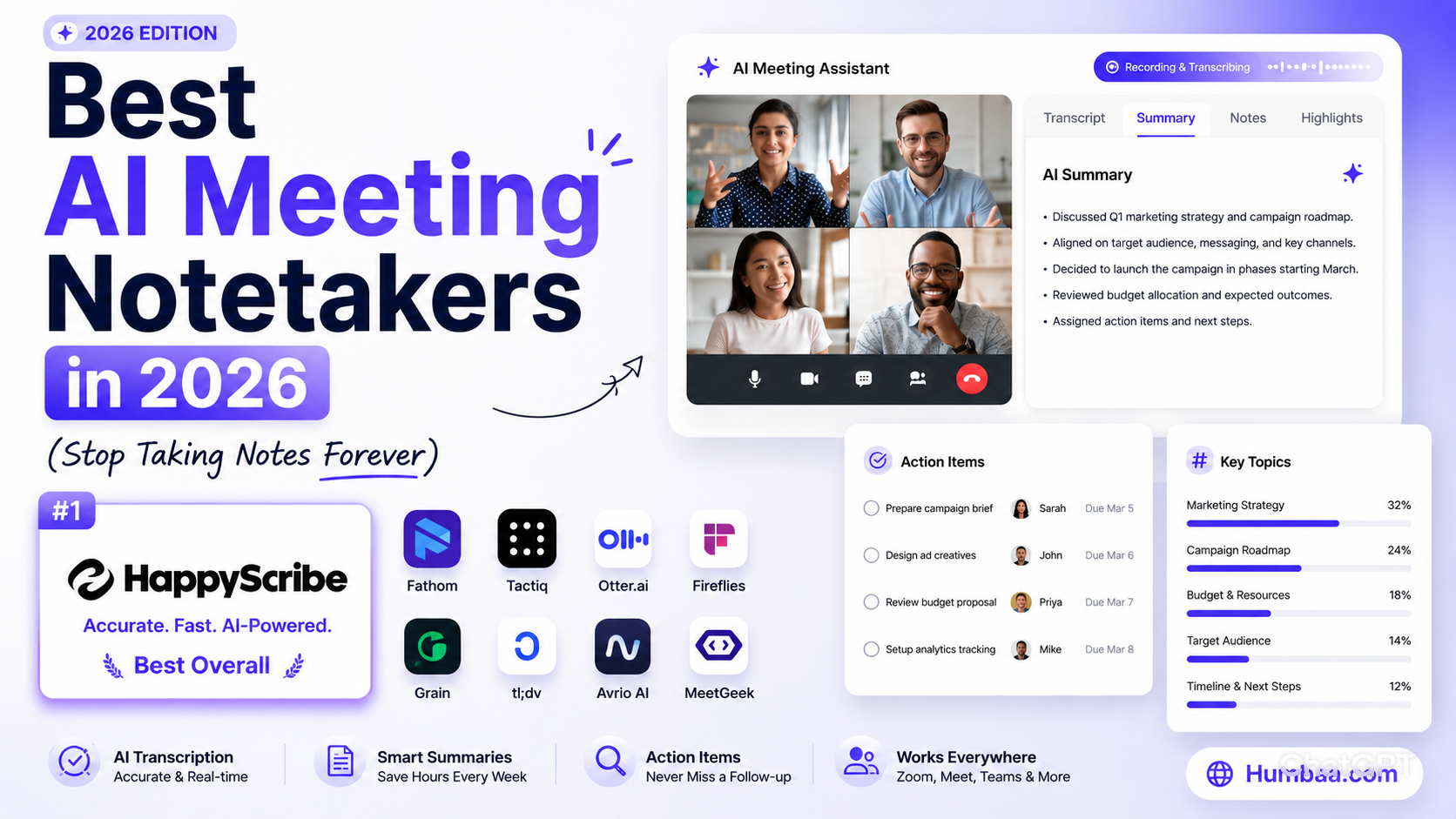
You're in a meeting. Someone shares a brilliant idea. You start typing — and miss the next three things said. Sound familiar? AI meeting notetakers exist to fix exactly this. In 2026, they've become one of the most adopted AI tools in the workplace, and for good reason.
This guide covers the best AI meeting notetakers available right now — ranked honestly, with no fluff.
What Is an AI Meeting Notetaker?
An AI meeting notetaker joins your video calls (or runs silently on your device) and does three things: records the audio, transcribes every word spoken, and uses AI to generate a clean summary with action items. The best ones go further — pulling key decisions, creating follow-up emails, and syncing to your CRM or project management tool automatically.
The Best AI Meeting Notetakers in 2026
1. HappyScribe — Best for Multilingual Teams
HappyScribe auto-joins your Zoom, Google Meet, or Teams calls and delivers a summary, action items, and full transcript in 150+ languages — more than any other tool here. It's EU-built, GDPR-compliant, and SOC 2 certified, so sensitive calls stay private. The free plan includes unlimited 45-minute recordings.
2. Fathom — Best Free Option
Fathom is rated 5.0/5 across hundreds of reviews — one of the highest-rated AI tools ever built. It joins your Zoom, Google Meet, or Teams call, records it, and delivers a clean summary with highlights in seconds after the call ends. The free plan is genuinely unlimited for individuals. If you're not using a meeting notetaker yet, start here.
3. Granola — Best for Mac Users Who Hate Bots
Granola works differently — no bot joins your call. It runs silently on your Mac, listens via the system audio, and combines your own rough notes with the AI transcript. The result is structured, human-feeling meeting notes rather than a wall of text. Perfect for 1:1s and sensitive conversations where a bot would feel awkward.
4. Otter.ai — Best for Teams
Otter.ai is one of the oldest and most reliable meeting transcription tools. It offers real-time live transcription, speaker identification, and a shared workspace where your whole team can search past meetings. The OtterPilot feature automatically joins and takes notes on scheduled calls.
5. Fireflies.ai — Best for Sales Teams
Fireflies.ai goes beyond note-taking — it integrates directly with Salesforce, HubSpot, and other CRMs to auto-populate deal notes from call transcripts. It also offers AI search across all past meetings, topic trackers, and sentiment analysis. Used by 20,000+ companies.
6. tl;dv — Best for Async Teams
tl;dv (too long; didn't view) is designed for teams that record lots of calls and need to share highlights quickly. You can clip any moment from a recording and share it as a short video snippet — much better than forwarding a 45-minute recording to a colleague. Free plan available.
7. Krisp — Best for Noisy Environments
Krisp started as a noise-cancellation tool and evolved into a full AI meeting assistant. It removes background noise at the device level (no one hears your dog barking), then transcribes and summarizes your meetings. Runs entirely locally — nothing leaves your machine.
8. Limitless — Most Ambitious
Limitless pairs a wearable pendant with a desktop app to capture everything you hear throughout the day — not just scheduled meetings. You can ask questions like "what did we decide about the budget last Tuesday?" and get an instant answer. Early but genuinely impressive.
Bot vs No-Bot: Which Should You Choose?
Most AI notetakers send a bot to join your meeting — it shows up in the participant list as "Fathom Notetaker" or "Fireflies." This works perfectly for internal team calls. For client calls or sensitive conversations, consider a no-bot option like Granola, Krisp, or Superpowered which work from system audio without any visible presence in the call. HappyScribe gives you both options — it can join as a visible participant or record bot-free from its browser-based recorder.
Free vs Paid
- Start free: HappyScribe (unlimited 45-min meeting recordings), Fathom (unlimited free), tl;dv (free plan), Otter.ai (300 mins/month free)
- Worth paying for: Fireflies Business (CRM integrations), Granola Pro (team sharing), Krisp Pro (noise cancellation + notes)
How AI Notetakers Fit Into Your Workflow
The best setup in 2026: AI notetaker captures the meeting → summary auto-sent to Slack → action items pushed to your project management tool → CRM updated automatically. You walk out of a meeting and everything is already done. Tools like Fireflies and tl;dv have native integrations for exactly this workflow.
Looking for more tools to boost your productivity? Browse our full AI tools directory and check out our guide on the best free SEO tools for growing your online presence.
The Bottom Line
If you're still taking manual notes in meetings in 2026, you're spending time on something AI can do better. Start with HappyScribe (free, multilingual) or Fathom (free, excellent), add Granola if you're on Mac and want bot-free privacy, and upgrade to Fireflies when you need CRM integration. Your future self will thank you after the first week.