Even using no-code, building a new app can take a big chunk of your time. Setting up data sources requires smart planning and foresight. Building an intuitive user interface takes multiple tries until you find the perfect layout. And tying it all together with bug-free app logic demands attention to detail and many rounds of testing.
AI helps in two ways here. The first is by turning your prompt into a first-draft app, speeding up setup. The other is by building solutions with code and placing them in the right place. It can't do 100% for you yet — but it's getting really, really close.
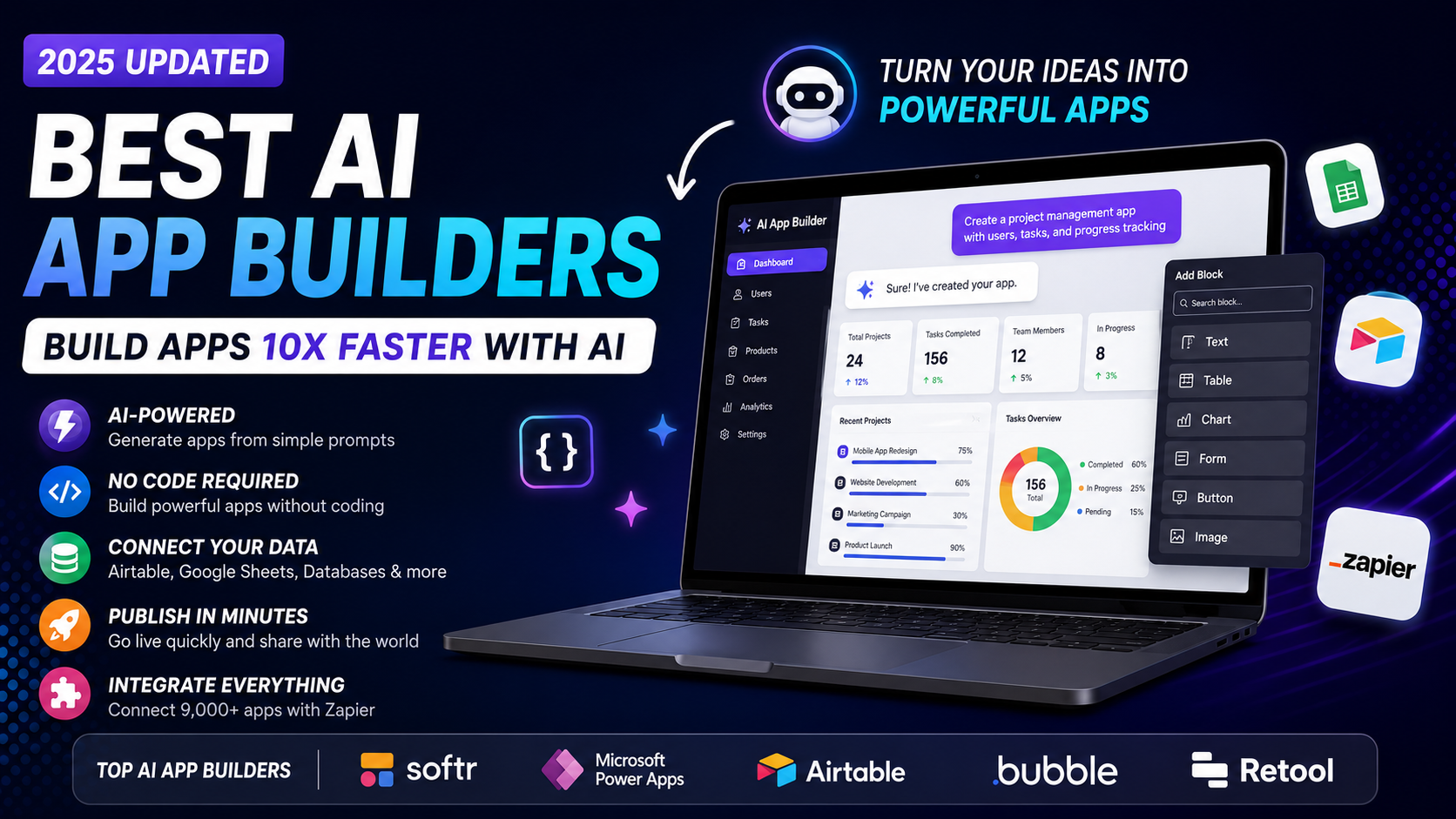
Here are the 5 best AI app builders available, picked from 30+ tested tools.
The 5 Best AI-Powered App Builders
- Softr — for ease of use and speed
- Microsoft Power Apps — for creating and editing with AI
- Airtable Omni — for data views
- Bubble — for building an MVP or product for web and mobile
- Retool — for building enterprise internal tools
What Makes the Best Generative AI App Builder?
This list focuses on platforms that help you create apps using natural language prompts. The AI app builders here come in two flavors. The first are established app-building platforms that added AI to the development process. Their main advantage is that they already have a suite of editing tools to fine-tune the result of the prompt. The others are platforms that have popped up recently, focusing on building only with AI prompts.
Here's what to look for in a great AI app builder:
- Interprets prompts accurately — real AI, not just a template remixer
- Automatically builds basic functionality — goes beyond just the UI to set up records and logic
- Fully no-code — no HTML, CSS, or JavaScript required to customize
- Good customization tools — ability to add prompts or use no-code controls to tune the app
- Easy publishing — no server configuration before sharing with the world
Best AI App Builders at a Glance
| Tool | Best For | Pricing |
|---|---|---|
| Softr | Ease of use and speed | Free plan; paid from $59/month |
| Microsoft Power Apps | Creating and editing with AI | From $20/user/month |
| Airtable Omni | Data views | Free plan; paid from $24/user/month |
| Bubble | MVP or product for web and mobile | Free plan; paid from $32/month |
| Retool | Enterprise internal tools | Free plan; paid from $12/user/month |
1. Softr — Best for Ease of Use and Speed
Pros:
- Easy data storage in Airtable or Google Sheets
- Builds user-friendly interfaces in minutes
Cons:
- Limited advanced logic
Softr is the fastest platform to get you from the prompt window to an app that's close to ready to use. When you visit the Softr AI page, you select a category, enter what you'd like your app to do, choose a starting color and design look — and a few moments later you land on a full editor with a dashboard, login pages, list pages, and input forms already in place.
Beyond external data sources like Google Sheets and Airtable, there's also Softr Databases — a native data layer for storing data directly within the platform. And Softr Workflows lets you automate actions from inside your app: a button click can trigger a background process that reads and writes data, calls external services, and routes users through conditional logic, all without leaving Softr.
This burst of speed from idea to first draft is Softr's greatest advantage. For more complex automation, Softr integrates with Zapier so your app can connect to the rest of your stack.
Softr pricing: Free plan available; Basic plan starts at $59/month
2. Microsoft Power Apps — Best for Creating and Editing with AI
Pros:
- Very flexible
- Accessible advanced logic for non-technical people
Cons:
- Complicated first-time setup
Microsoft is rolling out Copilot features across its entire product lineup, and Power Apps is no exception. In the Power Apps dashboard, you can now start a new app from a prompt. After submitting, you'll see the generated database schema in a chat window — you can add, remove, or change fields with more prompts before generating the app.
But what's truly impressive is that the Copilot chat window stays open in the editor after generation. You can ask to add new elements to the app in plain English — buttons, forms, new pages — and see them appear seconds later. It's as close to real-time AI-assisted app development as any platform on this list.
Microsoft Power Apps pricing: Premium plan at $20/user/month. Full access may require subscribing to other Microsoft services such as Dynamics 365 or Azure Cloud.
3. Airtable Omni — Best for Data Views
Pros:
- Fast results
- Fully integrates with your Airtable bases
Cons:
- Interface uses Airtable's stock components and can't be customized beyond that
Airtable Omni — the upgraded version of Airtable Cobuilder — configures interfaces, forms, and views starting from text prompts. After you fill out details about your company and team, Omni pre-loads a personalized app suggestion. Alternatively, you can upload your spreadsheet so the engine can build the structure on top of your data.
When you tap to build, the platform procedurally generates the app — creating bases, applying views, designing colorful dashboards, and wrapping up with navigation links — all within 2 to 5 minutes. If you want to keep customizing, you can do it manually with Airtable's native tools or keep prompting AI for changes.
Airtable Omni sits somewhere between Softr and Retool: more mature than the former, less complex than the latter. A perfect middle-weight for teams past basic use cases who don't want enterprise-grade software yet.
Airtable Omni pricing: Free plan available. Team plan from $24/user/month.
4. Bubble — Best for MVPs and Products for Web and Mobile
Pros:
- Plenty of learning resources
- Platform is evolving quickly
Cons:
- Native mobile apps lack some key visual elements and workflow actions
When you're building an MVP or a new digital product, there's always a tension: you want to go fast, but the result can't be clunky. Bubble hits the sweet spot — AI features get a working draft in your hands in minutes, while the visual development tools let you dive into each feature and make them actually work.
After you click Generate with AI and describe your app, Bubble returns real pages, a working database, and frontend workflows — all following the platform's development best practices. You can then edit manually or keep the AI Agent open for chat-based changes.
Bubble isn't limited to browsers anymore. You can now publish to both web and native mobile, sharing the same backend. The AI app generator works for both platforms. This multi-platform flexibility means less development time when your idea gets traction.
Bubble pricing: Free plan available. Starter Web at $32/month; Web/Mobile at $69/month.
5. Retool — Best for Building Enterprise Internal Tools
Pros:
- Fast UI building with configurable components and modules
- Includes an AI agent builder to work on top of your internal tools
Cons:
- Requires getting used to technical concepts to use fully
Your IT team's backlog is a graveyard of requests for "quick internal tools" that never saw the light of day. Retool makes sure those tools get built — business teams can build what they need with full access to their data, now with AI to speed things up, while IT maintains control for security.
When you generate an app from a prompt, Retool's AI Assist scaffolds the entire architecture: it wireframes how it will look using the native component library, writes down what the tool should ideally do, and then gets down to building. Watching it work is like watching the platform use itself — new cards appear on the canvas, lists display data, buttons get labeled.
At the end of the day, Marketing, Ops, and Finance finally get the tools they need, and IT doesn't have to manage everyone's expectations. Robust governance and auditing tools ensure non-technical folks don't break anything.
Retool pricing: Free plan available. Team plan at $12/month per builder and $7/month per internal user.
Generative AI App Builders vs. Building AI Features into Apps
All the apps above let you use generative AI to build an app. But if you're looking to build apps that have AI features — say, you want to build an app that summarizes text or turns it into audio — there are other options:
- OpenAI's GPTs — customize ChatGPT for unique use cases like creative writing or handling negotiations
- Glide — a no-code app builder offering AI-powered interface components for generating text, extracting text from images, or rendering audio
- API connections — use any app builder that supports API connections, plug in your AI model provider (OpenAI, Anthropic, or a Hugging Face model), and build with complete freedom
The Bottom Line
AI app builders have matured significantly in 2026. Whether you're a first-time builder wanting speed (Softr), a Microsoft shop needing AI-assisted editing (Power Apps), a data-driven team already on Airtable (Omni), an entrepreneur building a product (Bubble), or an enterprise team managing internal tools (Retool) — there's a purpose-built solution for you.
The common thread? AI gets you 80% there. The remaining 20% — the fine-tuning, the integrations, the edge cases — is still yours to handle. But that 80% head start is transformative.