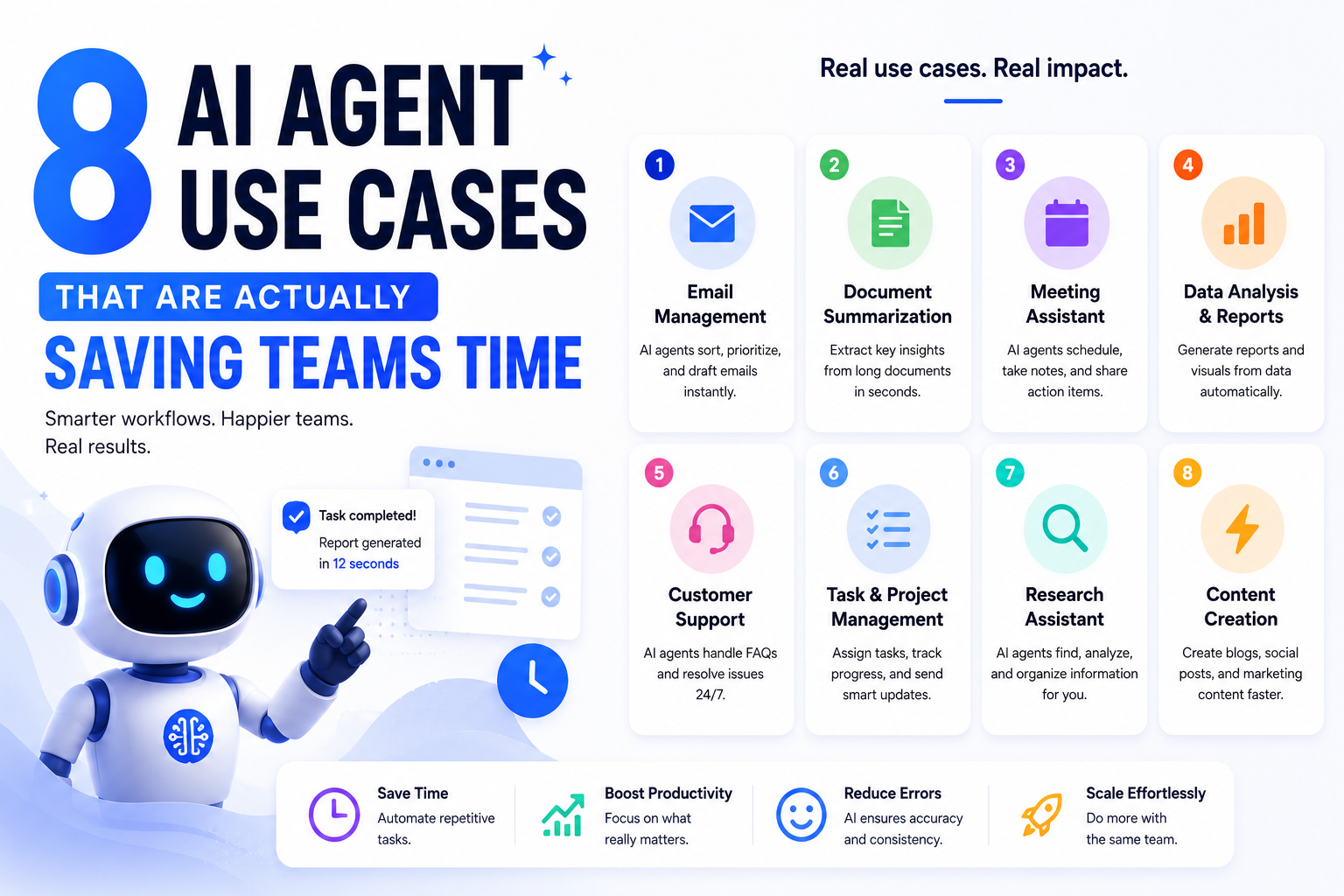
The concept of AI agents — software that takes a goal, makes decisions, and executes work across multiple tools without hand-holding — is compelling on paper. The challenge isn't understanding what they are. It's figuring out where to actually use them.
Most teams get stuck at that exact point. They can see the potential but struggle to identify which workflows are the right fit. This guide walks through eight real-world AI agent use cases with concrete examples of how companies are applying them, so you can stop theorizing and start building.
What Exactly Is an AI Agent?
An AI agent is a system that autonomously carries out multi-step tasks to reach a goal — often pulling information from multiple tools, making decisions along the way, and adapting based on what it finds.
That's what separates agents from traditional automation. Standard automation follows a fixed script: if this, then that, always the same way. An AI agent improvises within boundaries. Give it a goal and a set of tools it can use, and it figures out the path. That flexibility is precisely what makes agents valuable for messy, multi-step work that doesn't fit neatly into rigid rule sets.
Agents range from simple systems that classify and route information, to more sophisticated ones that plan, reason, and take action across your entire tool stack. If you're evaluating which platforms to build on, Humbaa's AI tools directory is a good place to compare options across categories before you commit to a stack.
8 AI Agent Use Cases in the Workplace
Not every workflow needs an agent. But for the workflows that do, the time savings are significant. Here are eight places where AI agents are doing real work right now.
1. Support Ticket Triage
Best for: Customer support teams with high ticket volume
Before a support rep can actually help a customer, there's a layer of prep work that happens first — pulling account history, searching past tickets for similar issues, finding the relevant documentation, understanding the customer's tier. It's necessary, but it's also the kind of work that eats up 15 minutes per ticket before anything useful happens.
An AI agent eliminates that entire pre-work phase. When a ticket arrives, the agent pulls full context from the help desk, cross-references it against the internal knowledge base and past tickets, classifies the issue, and surfaces the most relevant response path. By the time a rep opens the ticket, all the research is already done.
One company handling roughly 5,000 support tickets a month automated this entire triage process. Each ticket had previously required around 15 minutes of manual research before the rep could respond. The agent now handles all of that automatically — the rep walks into a pre-researched ticket and can focus on the actual response.
What the agent does: Pulls ticket context → searches knowledge base and ticket history → classifies issue → recommends response path → delivers a pre-researched brief to the rep
2. Personalized Customer Service at Scale
Best for: Businesses serving diverse customer segments across multiple locations
Managing customer service across multiple locations — each with its own inbox, ticket volume, and mix of high-value and standard customers — creates an operational complexity problem. The more locations you have, the harder it is to maintain quality and personalization consistently.
An AI agent can handle the full workflow: checking the customer's profile and purchase history when a ticket arrives, drafting a personalized reply that reflects the customer's actual relationship with the business, and routing it for human review before sending.
One retail company built exactly this kind of multi-step agent. When a ticket comes in, the system checks the customer's membership details and purchase history, then drafts a personalized reply grounded in company policy. A second agent was added to grade each draft against the final human response — tracking how much the human changed before sending. The result: 70% of AI-drafted responses are now sent without modification, saving the team 1,500 labor hours per year across 10 locations.
What the agent does: Ingests ticket → checks customer profile and history → drafts personalized reply → quality-grades the draft → routes for human review
3. Customer Sentiment Analysis
Best for: Customer experience and marketing teams
Customer feedback is everywhere — support tickets, reviews, live chat, social media, NPS surveys — and it rarely arrives in a consolidated form. Manually combing through all of it to find meaningful signals is a job that never really ends.
An AI agent can monitor every channel simultaneously, analyze sentiment continuously, and route the right signals to the right people automatically. A pattern of negative sentiment from high-value accounts gets escalated to the customer experience team before it becomes a churn risk. Positive feedback that would otherwise get buried gets flagged for marketing to use as social proof. The team receives a daily digest of what actually matters instead of a dump of raw data they don't have time to process.
The practical difference is that teams stop reacting to problems they discover too late and start responding to signals while there's still a window to act.
What the agent does: Monitors feedback channels → analyzes sentiment → identifies signal patterns → routes escalations to relevant teams → delivers daily digest
4. Churn Risk Monitoring
Best for: Customer success teams managing account portfolios
By the time a customer explicitly flags dissatisfaction — in a support ticket, in a renewal call, in a cancellation request — the retention window is often already closing. The conventional approach of reviewing account health on a quarterly basis means problems are frequently discovered too late to address effectively.
An AI agent changes that dynamic by monitoring the signals continuously. It checks CRM data, support history, product usage, and customer health scores on a regular cadence, identifies accounts showing early warning signs, and surfaces them before the situation becomes critical.
One company built an agent that checks four platforms every Monday morning — their CRM, marketing platform, customer health tool, and help desk — looking for churn signals and expansion opportunities simultaneously. The findings get posted to Slack as a prioritized list for the customer success and product teams to review and act on. Accounts that need attention are flagged while there's still time to intervene, not after the renewal conversation has already gone sideways.
What the agent does: Checks CRM, support, and usage data → identifies churn signals and expansion opportunities → prioritizes accounts by risk → posts weekly summary to the team
5. Content Pipeline Automation
Best for: Marketing teams trying to scale content without scaling headcount
Scaling content production is one of marketing's most persistent resource problems. The research-heavy, repeatable parts of the pipeline — scraping data sources, summarizing findings, drafting initial copy — are necessary but don't require creative expertise every time. They just require time, which marketing teams rarely have in abundance.
An AI agent can take over that entire layer of the content workflow. One real estate company built an agent that searches the web for regional housing news daily, summarizes each story, drafts a 250-word market roundup, and generates social posts for every market — then delivers everything to the team by email for review. A second agent pulls weekly housing data and produces an 800-word local market blog post, ready to publish with minimal editing. Work that previously required a VP of marketing and a social media manager to do by hand now arrives in their inboxes, done.
The same pattern applies across industries: a SaaS company summarizing product changelog updates into a customer newsletter, a media brand turning new articles into social copy, a retailer converting inventory data into weekly promotional content. The agent researches, drafts, and routes. The humans review and ship. Teams building this kind of pipeline from scratch often lean on AI app builders to stand up the internal dashboard that reviews and approves the agent's output before it goes out.
What the agent does: Scrapes designated sources → summarizes findings → drafts content in required formats → distributes to team for review
6. Dynamic Product Recommendations
Best for: eCommerce and subscription businesses with complex product matching
Any business that uses a quiz or questionnaire to match customers with products has a matching logic problem: how do you know if the recommendations are actually working? The only way to improve the logic is to close the loop between what the quiz predicts and what the data shows about returns, reviews, and repeat purchases.
An AI agent can manage that feedback loop continuously. It monitors quiz responses alongside review data and return rates, identifies patterns in where the matching logic is working and where it's falling short, and compiles the findings into a report for the team to review and apply. Instead of assuming the quiz is calibrated correctly, the team gets regular data on which quiz answers reliably predict a good match and which products are consistently underperforming.
This approach works for any product category with meaningful customer variability — skincare, supplements, software pricing tiers, insurance packages, mattresses, nutrition plans. Wherever customers answer questions to get a recommendation, an agent can close the loop.
What the agent does: Monitors quiz data and product feedback → identifies performance patterns → flags mismatches → reports findings to product team
7. Lead Generation at Scale
Best for: Sales teams with a well-defined ideal customer profile
Most sales teams have a clear picture of who their ideal customer is. The harder problem is finding those customers at volume without a team of researchers doing it manually. Prospecting at scale is time-intensive, repetitive, and exactly the kind of work an AI agent handles well.
One digital publishing company built an agent that searches the web for prospects matching their target advertiser profile, organizes them in a spreadsheet, and automatically routes any contact that meets their criteria into their CRM for immediate follow-up. The agent runs in the background while the team focuses on nurturing and closing. In a single month, the agent generated over 2,000 qualified leads with no additional manual research effort from the team.
The key requirement is a well-defined ICP (ideal customer profile). The sharper the criteria, the more accurately the agent can identify matches and the less manual filtering the team needs to do on the back end. Pairing this kind of agent with a solid CRM makes the handoff from "qualified lead" to "active pipeline" nearly instant.
What the agent does: Searches for prospects matching ICP criteria → organizes findings → filters by qualification → routes to CRM for follow-up
8. Sales Call Follow-Ups
Best for: Sales teams running high call volumes
The window between a sales call and a meaningful follow-up is short. Between back-to-back meetings, an overdue CRM, and a mental to-do list that keeps growing, follow-ups slip. The rep remembers the conversation but doesn't get to the email. The email goes out three days late. The momentum is gone.
An AI agent closes that gap automatically. After a call ends, the agent reviews the transcript, extracts the key action items and commitments made, logs the relevant details to the CRM, sends a Slack notification to the team, and drops a drafted follow-up email into the rep's Gmail — ready to send with one click.
One PR and communications firm implemented exactly this workflow. Nothing falls through the cracks, and the rep's only job is to review the draft and hit send. The research, logging, and drafting all happen automatically before the rep's next meeting starts.
What the agent does: Reviews call transcript → extracts action items and commitments → updates CRM → notifies team via Slack → drafts follow-up email for rep review
How to Know If a Workflow Is Right for an AI Agent
Not every process benefits from an agent. Here's how to identify the ones that do.
Good candidates for AI agents:
- Tasks you repeat manually on a daily or weekly basis
- Work that involves analyzing, summarizing, categorizing, or organizing information
- Processes where the relevant data lives across multiple tools (email + CRM + Slack + spreadsheets)
- Work that's mentally draining but doesn't require deep expertise every single time
Bad candidates for AI agents:
- Workflows where mistakes are costly — billing changes, compliance-sensitive processes, data that must be formatted exactly right
- Processes that require consistent, predictable outputs with no variation
- Tasks where traceability and auditability are critical requirements
For high-stakes, precision-dependent workflows, traditional rule-based automation is the better choice. For workflows where the system needs to exercise judgment — drafting copy, summarizing information, classifying requests, triaging inputs — an agent is usually the right tool.
The most effective setups often combine both: structured automation handles the deterministic parts, and an AI step inside that automation handles the judgment-heavy parts.
Before You Start: A Few Practices Worth Building In
Start with low stakes. The fastest way to build confidence in AI agents is to deploy one where the worst-case scenario is "that summary wasn't very good." A document summarizer, a research assistant that scans a specific set of pages, or a draft generator that never sends anything automatically — these are good first agents. Once you trust the flow, expand it gradually.
Prompt clearly and specifically. Most agents that produce mediocre results need clearer instructions, not a different tool. Define acronyms, spell out edge cases, specify the format you expect the output in, and give the agent a role to operate from. Treat the first run as a draft and refine from there.
Add a human review step. For anything that goes to customers or gets logged permanently, route the output through a human before it's final. The two-agent setup that Erewhon used — one agent to draft, one to grade quality — is a practical model for keeping quality in check without slowing the process down significantly.
Scope access carefully. Give the agent access to what it needs for the specific workflow, and nothing more. Broad access to every tool in your stack is how agents cause problems. Narrow, defined permissions are how they stay useful.
Building an AI Agent Tool? Get It in Front of the Right People
If you're building an AI agent platform, an automation tool, or anything that helps teams do the kind of work covered in this article, Humbaa is where people come looking for exactly that. Our AI tools directory gets discovered by people actively searching for agent platforms, workflow automation, and AI-powered productivity tools — the same audience reading this article right now.
You can submit your tool to Humbaa in a few minutes. Listings are reviewed quickly, and featured placements put your tool in front of decision-makers browsing by category. If you've built something that solves one of the use cases above, this is a direct line to the people who need it.
The Bottom Line
The best AI agents aren't flashy. They work in the background — monitoring signals, summarizing information, drafting responses, routing the right things to the right people. They catch what falls through the cracks, and they give teams back time and attention for work that actually requires human judgment.
The eight use cases above share a common structure: repetitive, multi-step work that involves pulling information from multiple places and doing something predictable with it. If you find that pattern in your own workflows, you've found your starting point.