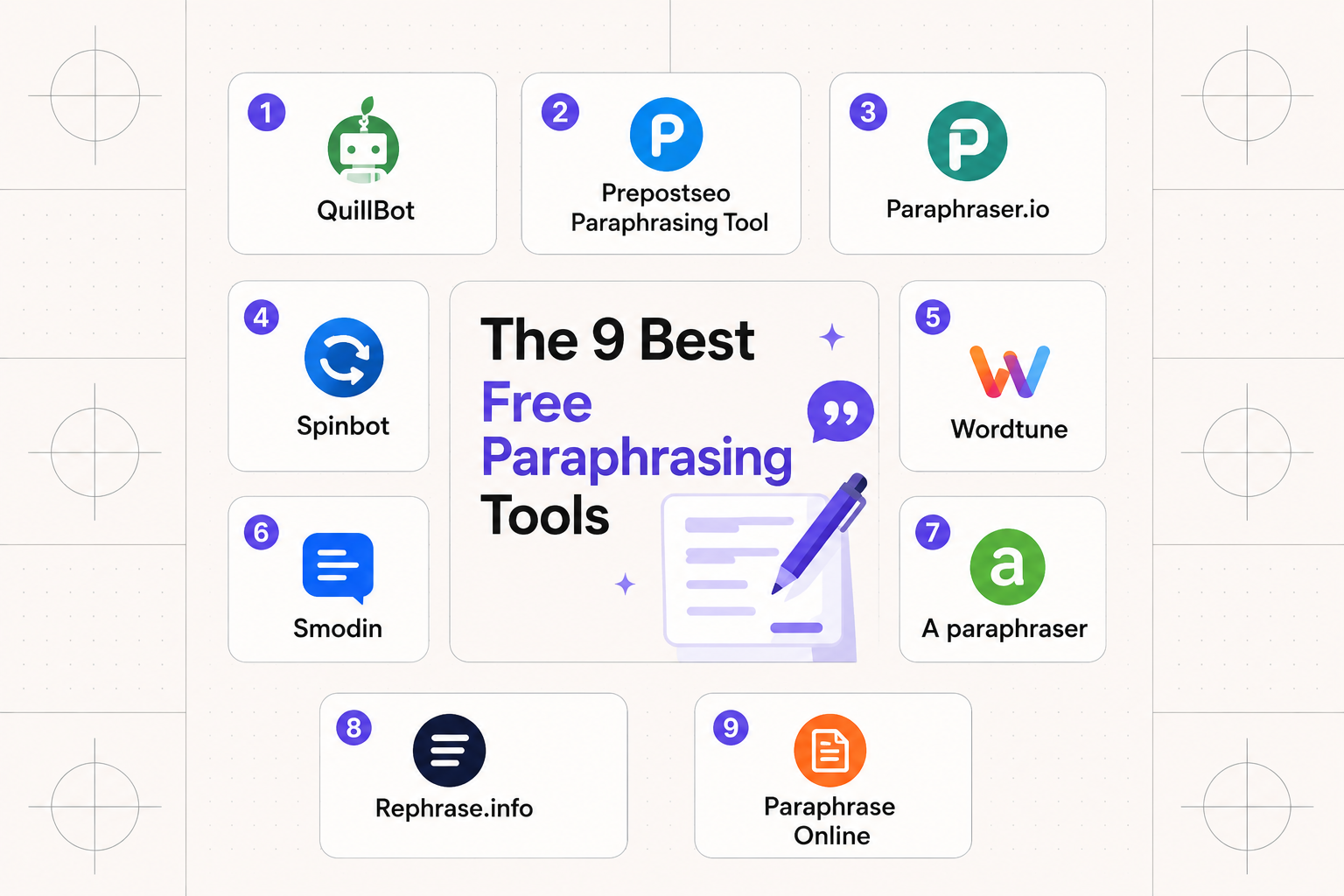
Rereading the same sentence for the tenth time, trying to reword it without sounding stiff, is one of the most tedious parts of writing anything — emails, essays, blog posts, it doesn't matter. AI paraphrasing tools exist specifically to take that grind off your plate, rewriting text while keeping the original meaning intact.
We compared nine paraphrasing tools worth using in 2026, looking at word limits on the free tier, writing modes, language support, and how natural the output actually reads.
What Are Paraphrasing Tools?
Paraphrasing tools are AI-powered writing assistants that rewrite your text while preserving its original meaning — smart rewording engines that can turn a clunky sentence into one that actually flows.
Common features across the category:
- Multiple rewriting modes — formal, creative, simple, academic, and more, depending on the tool
- Instant results — paste text, click a button, get a rewrite in seconds
- Built-in thesaurus — word-level alternatives to fix repetition without a full rewrite
- Editor integrations — browser extensions and plugins for Google Docs and Microsoft Word
- Plagiarism prevention — helps ensure you're not accidentally echoing someone else's exact phrasing
These tools serve a wide range of people: students working through essays, content creators avoiding repetitive phrasing across a body of work, professionals polishing emails, and anyone who just wants to express an idea more clearly than their first draft managed.
1. QuillBot — The Reliable Go-To
Best for: People who want a dependable tool that integrates cleanly into an existing writing workflow
QuillBot is the name most people think of first when it comes to paraphrasing, and the reputation is earned — it's been around long enough to get the fundamentals right, and the interface behaves the way you'd expect.
The standout feature is mode variety: Standard, Fluency, Formal, Simple, Creative, Expand, Shorten, and Academic each adjust tone and complexity differently, so you can match whatever you're writing. The built-in thesaurus lets you swap individual words if the AI's phrasing choice doesn't quite land.
QuillBot supports 23 languages beyond English — including Spanish, French, German, and Chinese — and ships with browser extensions for Chrome, Firefox, and Edge, plus plugins for Google Docs and Microsoft Word, so you're not copy-pasting between windows constantly.
The catch: the free tier caps out at 125 words per paraphrase, which is genuinely limiting, and locks you to just two writing modes. Premium runs $19.95/month for unlimited words, faster processing, and every mode unlocked.
2. Grammarly — Quality Over Quantity
Best for: Writers who prioritize natural-sounding output and are already using Grammarly
If you're already running Grammarly for grammar checks, its paraphrasing tool is a natural extension rather than a separate app to learn. It's not the most feature-dense option here, but what it does, it does well.
Grammarly gives you multiple rewrite options and shows exactly how each version compares against your original — and the results genuinely tend to sound more natural than several competitors, with less of the telltale "AI wrote this" phrasing.
The catch: the free tier caps at 500 characters — roughly one paragraph — which is fairly restrictive for anything beyond quick edits. Grammarly Premium starts at $12/month, removing the character cap and adding plagiarism detection.
3. JustDone — The All-in-One Workspace
Best for: People who want an integrated writing solution and don't mind a denser interface
JustDone positions itself as a full writing workspace rather than a single-purpose paraphraser — combining paraphrasing, plagiarism detection, AI detection, and content humanization in one platform.
What makes it genuinely useful is addressing the whole workflow, not just the rewriting step: you can rewrite text, check whether it clears plagiarism scanners, and confirm it doesn't trigger AI-detection tools, all without switching apps. For students and content creators juggling multiple checks on the same piece of writing, that consolidation saves real time.
The trade-off is a learning curve — the interface feels fuller than a single-purpose tool, since it's carrying more functionality. Once you're past the initial orientation, having everything under one roof is a real convenience.
4. Paraphraser.io — The Budget Champion
Best for: Budget-conscious users who need a higher free word limit than most competitors offer
If generous free-tier limits matter more to you than a flashy interface, Paraphraser.io delivers — the free version handles 500–600 words per paraphrase, meaningfully more than most tools on this list allow before hitting a paywall.
It supports 20+ languages and multiple paraphrasing modes, plus a mobile app for paraphrasing on the go. Output quality is solid without being groundbreaking — reliable enough for most everyday use cases.
Premium pricing is noticeably more reasonable than QuillBot's, making this a sensible middle-ground pick if you need more than the free tier offers but don't want to pay premium-tier prices to get it.
5. Spinbot — Simple and Straightforward
Best for: People who want basic paraphrasing without extra settings to configure
Spinbot keeps its scope deliberately narrow: paste text, hit the button, get paraphrased content back. No mode selection, no configuration menus — just paraphrasing that gets the job done.
One nice detail: Spinbot doesn't automatically alter capitalized words, which helps preserve proper nouns and titles intact (and you can toggle this behavior off if you need to). The free tier handles up to 10,000 characters, a genuinely generous allowance.
The downside: the interface feels dated, and its more advanced features actually run on QuillBot's engine, meaning you'll need QuillBot Premium to unlock them anyway.
6. Paraphrase Online — The Value Pick
Best for: Users who want premium features at budget prices and can tolerate a basic interface
Paraphrase Online won't win design awards, but the value proposition is strong — the free tier includes ads (as expected at no cost), while premium plans start at just $5/month, meaningfully cheaper than most alternatives here.
You can upload files directly (.doc, .pdf, .docx, .txt), which saves real time when working with longer documents rather than copy-pasting sections manually. The premium tier adds five distinct paraphrasing modes and higher word limits.
7. WordTune — The Context-Aware Rewriter
Best for: Writers who want context-aware suggestions and multiple rewrite options to pick from
WordTune takes a different approach than pure word-swapping — it tries to understand the context of what you're writing and produce rewrites that feel intentional rather than mechanically generated. The results often read like something a person wrote, not a template output.
It offers multiple rewrite suggestions simultaneously so you can choose the best fit, plus the ability to shorten or expand text on the fly — handy when you're chasing a specific word count or trimming a sentence that's run too long. WordTune integrates with Google Docs and runs as a Chrome extension, fitting naturally into an existing workflow.
The free plan limits how many rewrites you can generate per day, while premium unlocks unlimited suggestions and more advanced controls.
8. Smodin — The Multi-Language Powerhouse
Best for: Non-English writers and students who need paraphrasing alongside other research tools
Smodin takes multilingual support seriously in a way most competitors don't match. If you're writing in a language other than English, or need to paraphrase across multiple languages, Smodin handles it noticeably better than most tools in this category — supporting a wide range of languages while preserving tone and meaning reasonably well across all of them.
Beyond paraphrasing, Smodin bundles an AI writer, plagiarism checker, and text summarizer, making it a reasonable all-in-one pick for students and researchers specifically. The free tier is usable, though usage limits can feel restrictive if you're working through longer pieces regularly. The interface stays clean and approachable — you won't feel overwhelmed on first open.
9. LanguageTool — The Grammar-First Option
Best for: Writers who want paraphrasing and grammar checking combined, especially across multiple languages
LanguageTool approaches paraphrasing from a different angle entirely — its core strength is grammar and style checking, catching errors and flagging awkward phrasing as you write. Paraphrasing sits on top of that foundation, which means rewrites tend to come out grammatically tight and stylistically consistent.
It supports over 30 languages, ahead of most competitors on that front, with a browser extension, desktop app, and integrations for Google Docs and LibreOffice. The free tier covers basic grammar checking and limited paraphrasing, while premium unlocks advanced style suggestions and higher usage limits.
If correctness matters to you as much as variety in phrasing, LanguageTool is worth a look — it won't replace a dedicated paraphrasing tool for heavy rewriting work, but for polishing and light rewording, it punches above its weight.
Tips for Getting Better Results
- Start with shorter chunks. Even tools that claim to handle long text perform more accurately on paragraphs than entire articles — break content into smaller sections before pasting it in.
- Try multiple modes. If the first result sounds off, switch modes. "Standard" and "Fluency" settings tend to produce the most natural output across most tools.
- Always review the output. AI paraphrasing isn't flawless — it can subtly shift meaning or produce awkward phrasing. Read through results and adjust as needed.
- Use the built-in thesaurus. Most tools let you click individual words for alternatives, which is useful for fine-tuning specific phrases without triggering a full rewrite.
Common Issues and How to Fix Them
Output sounds robotic or unnatural — Usually a symptom of an aggressive paraphrasing mode. Stick to "Standard," "Fluency," or "Simple" for more natural results, and avoid QuillBot's "Creative" mode unless you specifically want a dramatic rewrite.
Meaning shifts during paraphrasing — Break text into shorter sentences before running it through the tool. Complex, multi-clause sentences tend to confuse these models. Review each section afterward to confirm it still says what you meant.
Free tier word limits are too restrictive — Paraphraser.io and Spinbot offer the most generous free limits on this list. Alternatively, break longer content into smaller chunks and paraphrase section by section.
Which Tool Should You Choose?
For most people: Start with QuillBot's free tier to get a feel for how paraphrasing tools work generally — the premium upgrade is worth it once you know you need more.
For the most natural-sounding results: Grammarly's paraphrasing tool produces the most human-like output on this list, even with its more limited scope.
For budget-conscious users: Paraphraser.io has the best free word limits, and Paraphrase Online has the cheapest premium tier.
For a full writing workflow: JustDone is the strongest pick if you need paraphrasing, plagiarism checking, and AI detection all under one roof.
For multilingual writing: Smodin handles non-English content better than most competitors, while LanguageTool is the stronger choice if grammar accuracy matters as much as rewording.
For context-aware suggestions: WordTune is worth trying if you want rewrites that feel deliberate rather than mechanical.
The paraphrasing tool category has genuinely matured over the past few years. Free tiers are mostly good for testing the waters, but if you're doing serious, regular writing work, budgeting for a premium subscription tends to pay for itself in saved time. These tools are assistants, not replacements for good editing — but used well, they can meaningfully speed up how fast you get from a rough draft to something worth publishing.
If you're evaluating AI writing tools more broadly, browse Humbaa's AI tools directory for adjacent categories like content generation and editing software. And if you've built a writing or paraphrasing tool of your own, you can submit it to Humbaa to reach people actively comparing tools like the ones above.